
Comparison
Microfiber vs Paper Towels for Screens: What Actually Works
Direct answer
Microfiber works best: its ultrafine fibers trap skin oil and dust and carry them away without shedding lint. Most eyeglass cloths are microfiber too, just smaller. Paper towels and tissues are coarse, shed lint, and can leave fine marks. Wash your cloth regularly and never use fabric softener.
How to choose
-
You're cleaning a phone, computer, or TV day to day
Choose A dense, lint-free microfiber cloth, one damp and one dry
It grabs skin oil, traps dust, doesn't shed, and with a screen cleaner is least likely to streak.
-
All you have is an eyeglass cloth
Choose Use it, as long as it's clean
Most eyeglass cloths are microfiber; they're just small, so big screens take a few more passes.
-
You're out and have nothing else
Choose A clean tissue, wiped lightly without pressure
Tissues shed and carry some scratch risk; re-clean with microfiber when you get home.
-
Your screen gets streakier the more you wipe
Choose Wash or replace the cloth before you change cleaners
A cloth full of oil or coated with softener is a common cause of streaks.
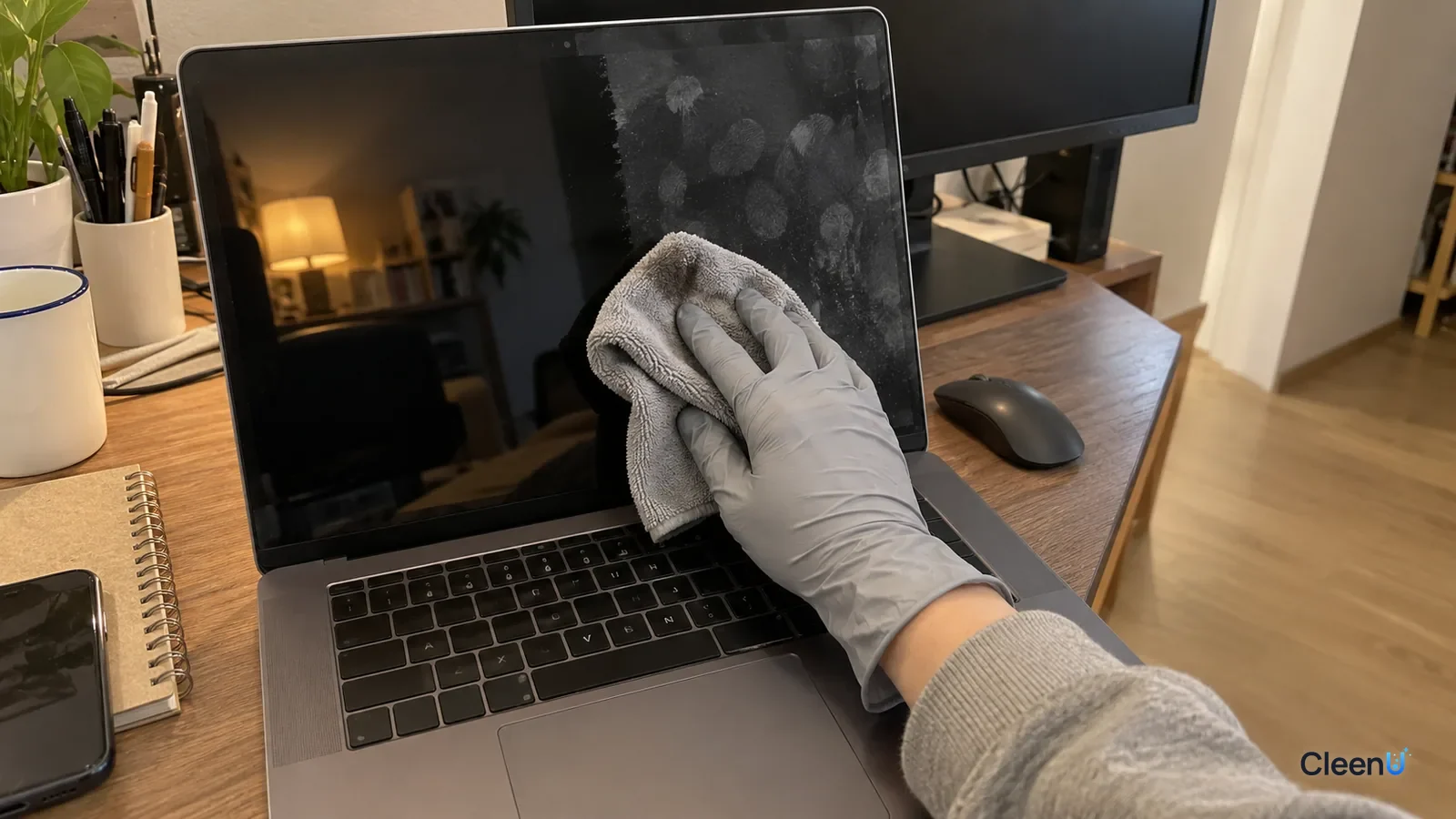
When it's time to wipe a screen, most of us grab a tissue or use the hem of a shirt. The screen looks a little cleaner, but hold it to the light and it's still smeary, and there might be lint on it now. A lot of "my screen won't come clean" comes down to what you're wiping it with.
What a cloth has to do on a screen
The two most common things on a screen are skin oil (fingerprints, face smudges) and dust.
Skin oil spreads into a thin film. If the cloth can't grab the oil and carry it away, it just pushes it around and smears it, and the screen gets streakier.
Dust is particles, sometimes with fine grit. If they get pinned between the cloth and the screen and dragged around, they can leave tiny scratches.
So a good screen cloth needs to grab oil, pull dust into the fabric, not shed, and stay soft.
Why microfiber works best
Microfiber is usually a blend of polyester and nylon. Each fiber is many times thinner than a human hair, and during manufacturing the fibers are split into even finer wedge-shaped filaments.
That gives it several advantages.
The tiny gaps between fibers absorb and trap skin oil instead of pushing it around.
The fine filaments reach into the screen's micro-texture and lift oil and dust out.
Dust particles get pulled into the fabric, so they're less likely to be dragged across and scratch the screen.
The fibers are strong and don't shed, so there's no lint left behind.
That's why screen, eyewear, and camera makers usually recommend microfiber.
Eyeglass cloths, paper towels, shirts, and wipes
Eyeglass cloths: most cloths that come with glasses are microfiber and are fine for screens. They're small, though, which makes big screens tedious, and they need washing once they're full of skin oil.
Paper towels, tissues, and toilet paper: made of wood pulp, with coarser, stiffer fibers that shed lint. Scrubbing hard, the fibers and any trapped particles can leave fine scratches on screens and coatings. They also tend to smear oil rather than absorb it.
Cotton towels and clothing: cotton sheds lint, and towels and shirts usually carry detergent and fabric softener. Softener's cationic ingredients leave an oily film on the screen, so it gets smearier the more you wipe.
Wet wipes: regular wipes often add moisturizers, skin-care ingredients, and fragrance to stay soft, and they leave a film behind.
Not all microfiber is the same
Lots of cloths are labeled microfiber, and they don't all perform the same on a screen. Here's what to look for.
Split fibers. A good microfiber cloth has fibers that were split during manufacturing, so each strand has several wedge-shaped edges and lots of tiny gaps. That's what grabs oil and traps dust. Unsplit cloths feel slick and a little plasticky, absorb slowly, and tend to push oil around. A quick test: put a few drops of water on the cloth. A good one soaks them up and spreads them almost immediately. If the drops bead and sit there, the fibers probably weren't split well.
Pile and thickness. For screens you want a short, dense, flat weave. Thick, plush, long-pile microfiber is great for cars and stovetops because it holds a lot of water, but the long pile can leave tiny lint threads on a screen and doesn't finish as cleanly.
Edges. Many cloths have stiff stitched or heat-sealed borders. If you rub with the edge, that hard seam can leave fine marks on a coating. Wipe with the middle of the cloth, or choose one with soft, laser- or ultrasonically cut edges.
Color. A light-colored cloth shows dirt, which reminds you to wash it. A dark cloth hides grease, so it can be loaded with oil before you notice.
Different screens, different demands
Phones and tablets have glass with an oleophobic coating and collect a lot of skin oil. A soft, clean cloth that's only lightly dampened is all you need. The goal is to lift the oil, not spread it.
Many laptop screens have a matte anti-glare coating with a fine texture. That texture holds onto oil and small particles, and pressing hard or using a rough cloth can polish shiny spots into the matte finish. Use a soft, short-pile cloth with light pressure in one direction, and take several light passes instead of one hard one. Wipe the keyboard too, since oil from the keys transfers to the screen when you close the lid.
TVs and monitors are big and usually matte or semi-matte, sometimes with an anti-reflective film. Over that much area, the cloth dries out and loads up partway through. Work in sections and turn to a fresh side of the cloth after each one.
Why "barely damp" beats wet
It's tempting to think a wetter cloth cleans better. It's the opposite. When the cloth is soaked, water fills the gaps between fibers, leaving no room to take up oil. The cloth just pushes a film of oily water across the screen, and when that film dries, the oil and cleaner in it stay behind as streaks.
With a barely damp cloth, most of those gaps are still open, and capillary action pulls loosened oil into the fibers. The screen cleaner's job is to emulsify the skin oil with surfactants so it lets go of the screen and moves into the cloth. That's also why you spray the cloth and not the screen: you control the amount, and you avoid soaking the screen or having liquid run behind the bezel.
Side by side
Screen cloths compared
| Factor | Microfiber | Paper towels and tissues | Shirts and cotton towels |
|---|---|---|---|
| Picks up skin oil | Well; traps it | Fair; tends to smear | Fair |
| Lint | Essentially none | Sheds paper lint | Sheds cotton lint |
| Scratch risk | Low (if the cloth is clean) | Relatively high | Medium, depending on fabric and trapped grit |
| Residue | Little (if washed without softener) | Paper lint | Detergent and softener |
| Best for | Phones, computers, TVs, glasses | Emergencies only | Not recommended |
Even a good cloth has to be used and washed right
Keep two: one for the damp wipe with a little screen cleaner and one for drying. Using one cloth for both makes streak-free results hard.
Dust first: sweep the screen gently with a dry cloth, then wipe oil with a slightly damp one, so you aren't dragging grit across the glass.
Spray the cloth, not the screen, until it's just damp. Take CleenU Screen Cleaner as an example. It's a neutral, ammonia-free, alcohol-free screen spray, pH 6.5 to 7.5 as supplied, made with mild nonionic surfactants and low-residue ingredients, with no ammonia, ethanol, or abrasives. It's meant to be sprayed onto a cloth and dries within seconds. Its label specifically says it isn't for use with paper towels or rough cloths, because even a low-residue cleaner will streak with a linty or softener-coated cloth.
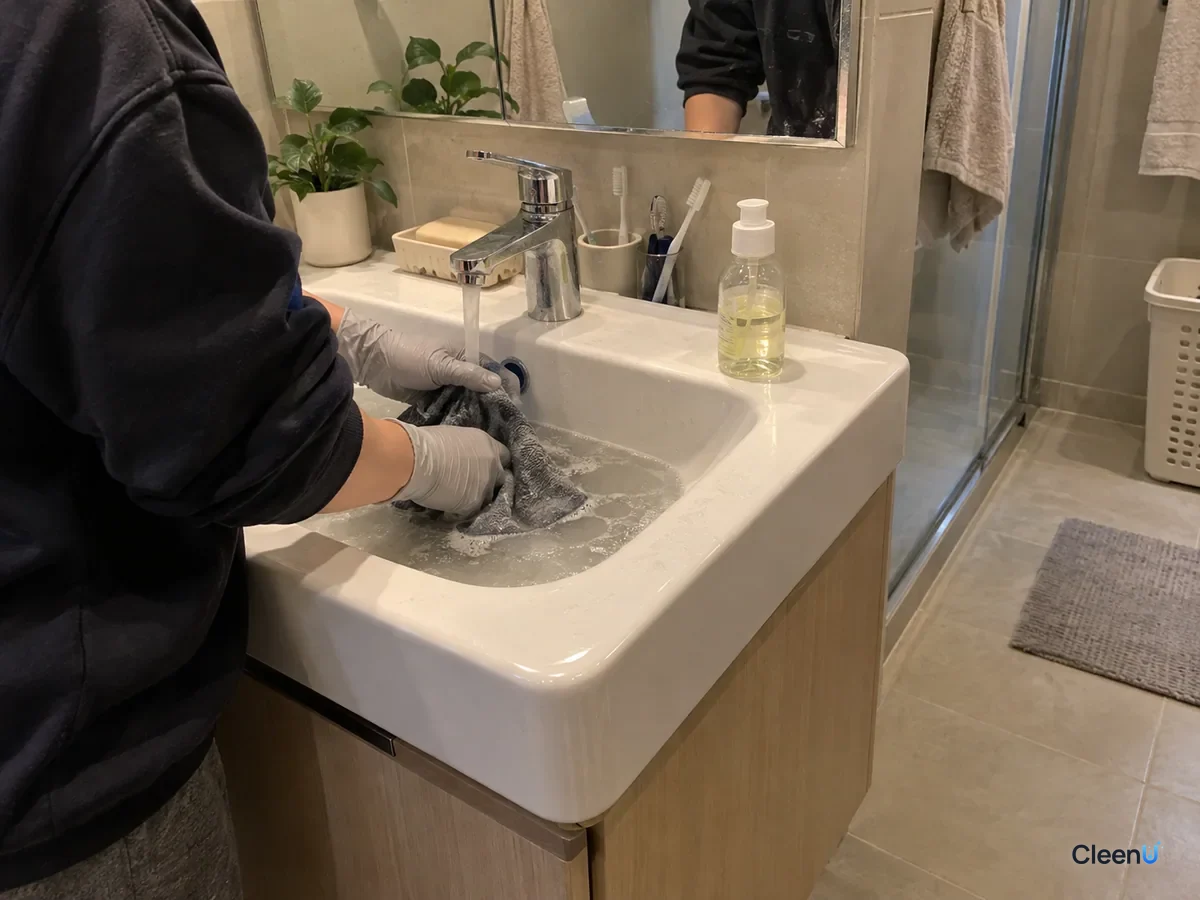
Wash it regularly. A cloth full of skin oil just wipes that oil back onto the screen. Hand-wash it in warm water with a little mild detergent, rinse thoroughly, and air-dry.
No fabric softener, and don't wash it with towels. Softener coats the fibers so they stop absorbing oil and transfers residue to your screen, and towels leave cotton lint behind.
Replace it when it's dirty or stiff. Over time the fibers stiffen and grip less, or pick up grit that won't wash out. That's when to switch to a new one.
Signs your cloth needs a wash
The screen looks worse after wiping than before. The cloth feels slick or stiff and has lost that slight grip. A light-colored cloth has gray or yellow patches. You shake it out in the light and see grit embedded in the surface. Any one of these means the fibers are full of skin oil or holding dust and sand, and using the cloth anyway will smear oil back onto the screen and drag grit across the coating.
Wash it in warm water, not hot. High heat can deform the polyester and nylon fibers and make them stiff. Use only a little mild detergent and rinse more times than you think you need, because detergent left in the cloth becomes the next streak on your screen. Let it air-dry completely before using it again. A cloth that's put away damp can start to smell.
It's worth keeping two or three screen cloths in rotation so you always have a clean one while another dries. They're inexpensive, and a fresh cloth fixes more streaking problems than switching cleaners ever will.
Keep screen cloths separate from the ones you use for counters, cars, or dusting. A cloth that has wiped a kitchen counter can carry grease and crumbs that no rinse fully removes, and the next screen it touches pays for it.
The full routine
Turn the device off and let the screen cool.
Dust it gently with a dry cloth.
Mist screen cleaner once onto the other cloth so it's slightly damp, and wipe gently in one direction.
Finish with the dry cloth in the same direction.
Check at an angle against the light. No streaks, and you're done.
For device-specific tips, see How to clean screens safely. For streaky TVs, see How to clean a TV screen.
Which should you use?
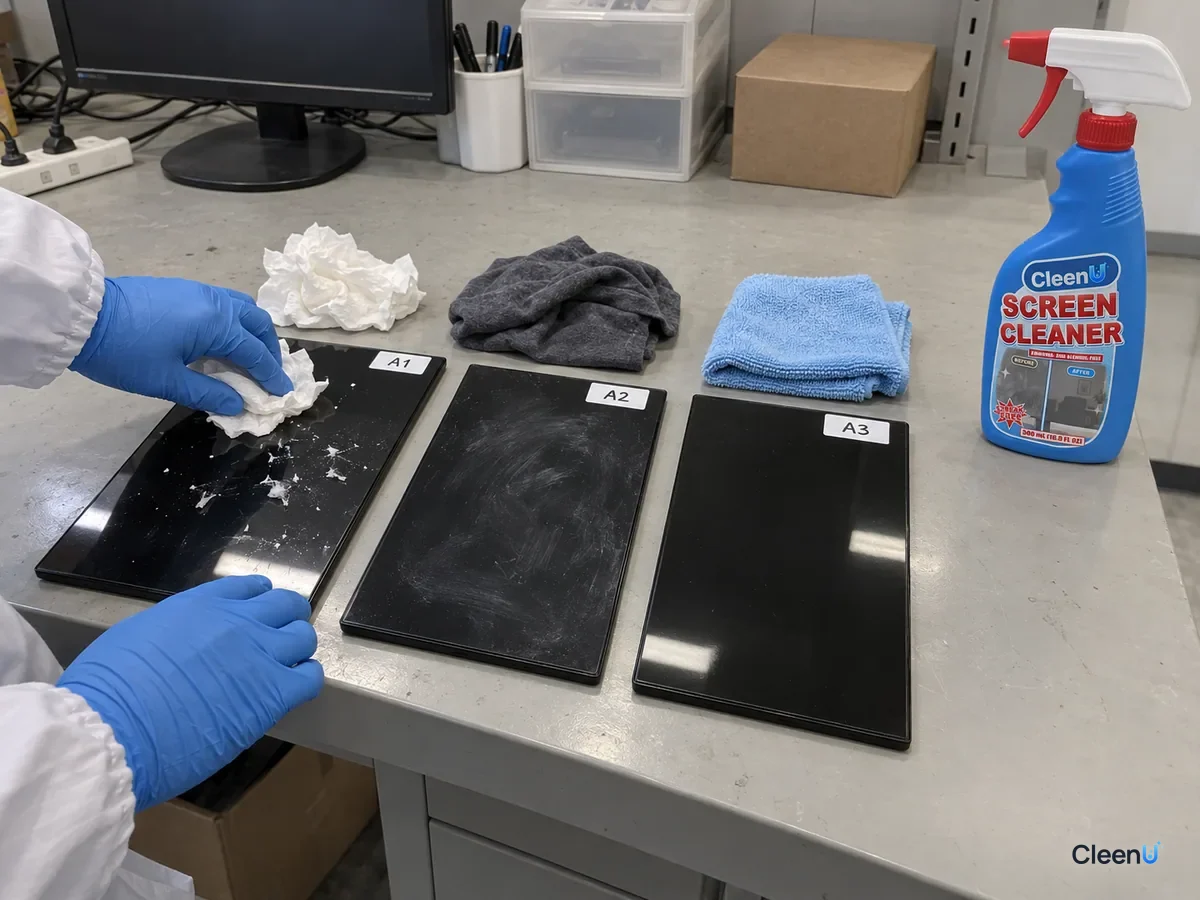
Microfiber is the best cloth for screens: its ultrafine fibers trap skin oil, pull dust into the fabric, and don't shed. Most eyeglass cloths are microfiber too and work fine if they're clean. Paper towels and tissues are coarse, shed lint, and can leave fine marks, and shirts and towels carry detergent and softener that make screens streakier. Keep one damp and one dry cloth, dust first, spray screen cleaner onto the cloth and wipe gently, then buff dry. Hand-wash your cloths with mild detergent, skip the softener, and replace them when they stiffen.