
How-to
How to Clean a TV Screen Without Streaks
Direct answer
Turn the TV off and let the screen cool, then dust it gently with a dry microfiber cloth. For fingerprints and smudges, spray screen cleaner onto the cloth until it is barely damp, wipe in one direction with light pressure, and finish with a dry side of the cloth. Never spray the screen and never press.
A TV screen is one of the most delicate surfaces in the house. It looks like glass, but on most TVs the surface is an anti-glare, anti-reflective coating sitting over an LCD or OLED panel. Clean it the way you clean a window and the usual results are rainbow swirls or wipe marks, patches that look white or foggy, and in the worst cases a dark blotch pressed into the panel.
The good news is that the grime on a TV is simple. With the right method, a screen comes clean in a few minutes without a single streak.
What actually ends up on a TV screen?
Mostly dust. A screen builds up static while it is on, pulling dust out of the air, and once it is off you see a dull gray film. That dust is only loosely attached; a dry microfiber cloth lifts it with a light pass.
Next come fingerprints and oily smudges: a toddler's handprint, the spray from a sneeze, cooking vapor drifting in from the kitchen. They leave small oily spots that don't mix with water, so a dry cloth only smears them. A mild cleaning solution is needed to wet and break up the oil so the cloth can carry it away.
Last are dried water spots and drink splashes. They contain minerals or sugar that a dry cloth cannot move. A barely damp cloth redissolves them so they wipe off.
Why not window cleaner, rubbing alcohol or paper towels?
Many household glass cleaners contain ammonia or alcohol-based solvents. They are great on glass but can be too harsh for a screen's anti-reflective coating; over time the coating can cloud, blotch or even flake in spots. Rubbing alcohol raises the same concern, and many TV makers' manuals specifically say to avoid cleaners with alcohol or ammonia.
Paper towels and ordinary towels have fibers that are too coarse. Paper towels leave lint behind and their rough fibers can put fine scratches in the coating; bath towels shed fuzz all over the screen. Microfiber is finer and softer and pulls dust and oily film into its fibers, which makes it the right tool for screens.
One more rule: never spray any liquid straight onto the screen. It runs down the panel and seeps into the gap around the bezel, where over time it can damage the electronics inside, and it tends to leave a drip line along the bottom edge.
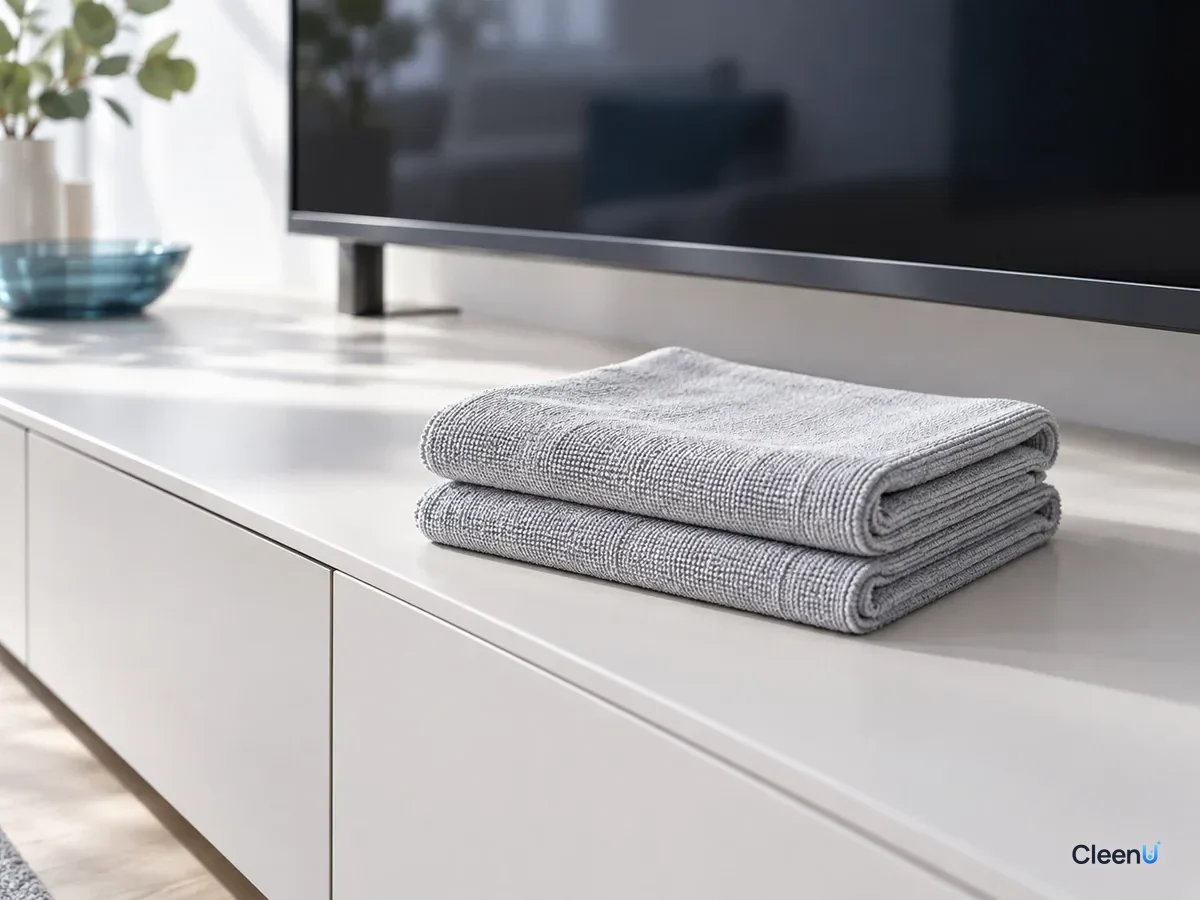
Step by step: cleaning a TV screen
These steps work for LCD/LED TVs, OLED TVs and most monitors. If your TV's manual gives specific cleaning instructions, follow them.
Power off, dust, damp-wipe, dry: four stages to a clean screen
Turn the TV off, unplug it, and let the screen cool
Switch the TV off, and unplug it if you can. Dust and fingerprints are easiest to see on a black screen. A screen that was just on is still warm, so give it a few minutes; on a cool screen the cleaner won't flash-dry into streaks.
Dust gently with a dry microfiber cloth
Use a clean, dry microfiber cloth and sweep it lightly from one side of the screen to the other to lift the loose dust. Don't press and don't scrub back and forth; dust sometimes carries tiny grit that can scratch under pressure.
Spray the cloth, not the screen, until it is barely damp
For fingerprints, oily smudges or dried water spots, spray screen cleaner onto a second microfiber cloth. It should feel slightly damp, never wet enough to drip. Do not spray the screen directly.
Caution:A cloth that is too wet lets liquid run into the bezel. Wipe twice rather than spray more.
Wipe in one direction without pressing
With the damp cloth, wipe the dirty area in one direction, top to bottom or left to right, with your palm flat instead of pushing with your fingertips. LCD panels ripple under pressure, and pressing hard can leave a dark spot.
Caution:For a stubborn spot, make several light passes. Don't dig at it.
Finish with a clean, dry side of the cloth
Using a dry cloth or a clean dry section of the damp one, go over the whole screen lightly in the same direction to pick up any remaining moisture. Wait until the screen is completely dry before turning the TV back on.
Wipe the frame and dust the vents
Wipe the bezel and the stand with the same damp cloth. Dust the vents on the back only with a dry cloth or a soft brush, and keep liquid well away from them.
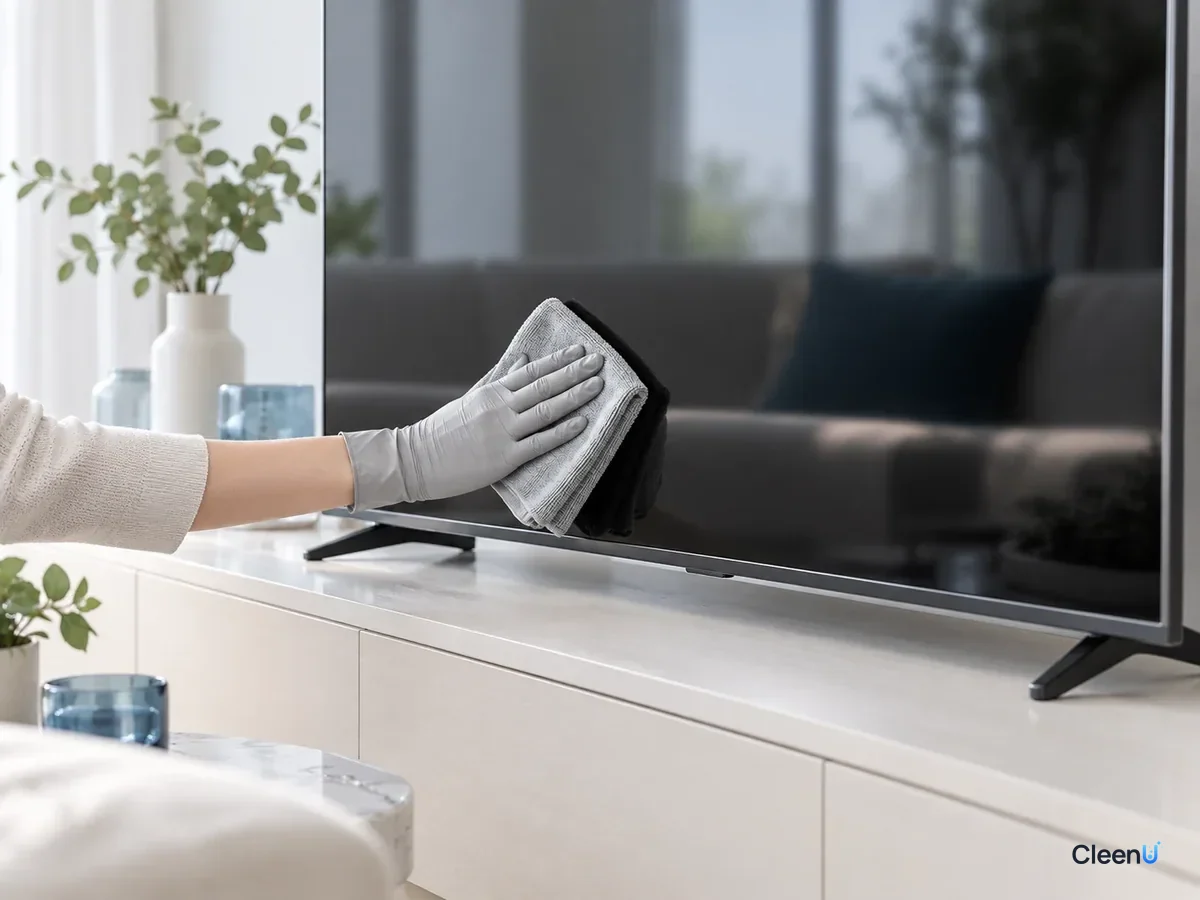
How do you know the screen is really clean?
Once it is dry, look at the screen while it is still off, from an angle with light across it: no dust, no fingerprints, no curved wipe marks. Then turn it on and put up a light or plain white image: no oily spots, no hazy patches.
If you still see faint streaks at an angle, the cloth probably held a little too much cleaner; one light pass with a dry cloth fixes it. If a patch stays white or foggy and plain water won't remove it, the coating may already be damaged. Stop wiping and check with the TV maker's support.
CleenU Screen Cleaner is one example of a cleaner made for this job: a neutral, ammonia-free, alcohol-free screen spray with a pH of 6.5 to 7.5, made with mild nonionic surfactants and low-residue ingredients, with no abrasives, and ready to use. Spray it onto the cloth until the cloth is just damp; it dries in seconds and suits coated screens on TVs, monitors, laptops and tablets.
Before you clean the TV, make sure
- The TV is off, unplugged, and the screen is cool
- You have two clean microfiber cloths: one dry, one barely damp
- The cleaner goes on the cloth, not the screen
- You wipe with a flat hand and don't press on the panel
- The screen is completely dry before you turn it back on
Tricky situations and how to handle them
Crayon and sticker residue from kids: these marks are waxy or tacky, and a dry cloth just spreads them. Hold a cloth dampened with screen cleaner lightly against the mark for a few seconds so it softens, then wipe in one direction, and repeat as needed. Don't pick at it with a fingernail, and never use a scraper.
A TV near the kitchen: over time it picks up a cooking-vapor film you can barely see, and the picture looks slightly gray and flat when it is on. That film only comes off with a damp wipe. Work section by section and dry each section before moving on, rather than wetting the whole screen at once.
Dust coming right back: a screen carries static while it is on, so dust in the air is pulled back as soon as you turn it on again. Dust with a clean microfiber cloth instead of a synthetic cloth that builds up static of its own. The less dust around the TV, the slower the screen gets dusty again.
Glossy vs. matte screens: glossy screens reflect light, so fingerprints and streaks show more; be thorough with the final dry pass. Matte screens have a fine textured surface that hides dirt at a glance but lets oil settle into the texture, so wipe them just as gently and in one direction.
How often should you clean a TV screen?
A TV screen does not need frequent wet cleaning. A weekly pass with a dry microfiber cloth handles the dust; use cleaner only on the spots where fingerprints or smudges show up. Homes with small kids, pets, or a TV near the kitchen may need damp cleaning more often.
Cleaning too often or too hard wears the coating faster. Light, occasional cleaning with a gentle touch is what keeps a screen clear for years.
Phones, laptops and tablets follow a similar approach; our screen cleaning guide walks through each device.
Stop if you see any of these
The screen turns white, foggy or rainbow-streaked after wiping and plain water won't fix it; a dark spot or pressure mark appears; liquid gets into the bezel. Stop cleaning, keep the TV unplugged and let it dry thoroughly, then follow the manual or contact the maker's support. Don't open the TV yourself.
Written for: Households cleaning dust and fingerprints off LCD/LED and OLED TVs and monitors at homeNot for: Glass screens on old tube (CRT) TVs; screens that are cracked, have a peeling coating, or have already had liquid seep inside
TV screen cleaning questions people ask first
Can I clean a TV screen with a wet towel?
It is not a good idea. Towels shed lint and hold too much water, which can run into the bezel. Use microfiber, barely damp.
Can I use rubbing alcohol or Windex on a TV?
Better not. Many glass cleaners contain ammonia, and alcohol can harm the anti-reflective coating. A neutral, ammonia-free, alcohol-free screen cleaner is the safer choice.
Can I spray cleaner directly on the screen?
No. The liquid runs into the bezel. Spray the cloth, make sure it is only damp, then wipe.
How do I get fingerprints off a TV screen?
Spray screen cleaner onto a microfiber cloth, wipe the prints in one direction with light pressure, then finish with a dry side of the cloth.
Why does my TV have rainbow streaks after cleaning?
Buff it lightly with a dry cloth; too much cleaner on the cloth is the usual cause. If plain water won't remove it, the coating may be damaged, so stop wiping.
Do you clean an OLED TV the same way as an LCD TV?
Essentially yes: power off and cool, dust dry, wipe with a barely damp cloth, finish dry. Follow the manual if it has specific instructions.
For a neutral, ammonia-free, alcohol-free screen spray that wipes off without streaks, try Screen Cleaner.
To clean a TV screen without streaks, turn it off and let it cool, dust it with dry microfiber, then wipe smudges with a neutral, ammonia-free, alcohol-free screen cleaner sprayed onto the cloth, one direction, light pressure, and a dry finish. Don't spray the screen, don't press, and skip window cleaner, alcohol and paper towels, and the screen stays clear.