
Troubleshooting
Spots on a Monitor That Won’t Wipe Off: Dirt or Damage?
Direct answer
Turn the monitor off and look at it in side light. If you can see the spot and it fades or changes when wiped, it's surface dirt; mist screen cleaner on a cloth and wipe gently. If it only appears with the screen on, or never changes, it's inside the screen and cleaning won't fix it.
What you see
There's a spot on your monitor that won't wipe off. It might be a bright, cloudy patch you only notice on a white background, a tiny black or colored dot, or a hazy area that hasn't budged through several cloths and cleaners.
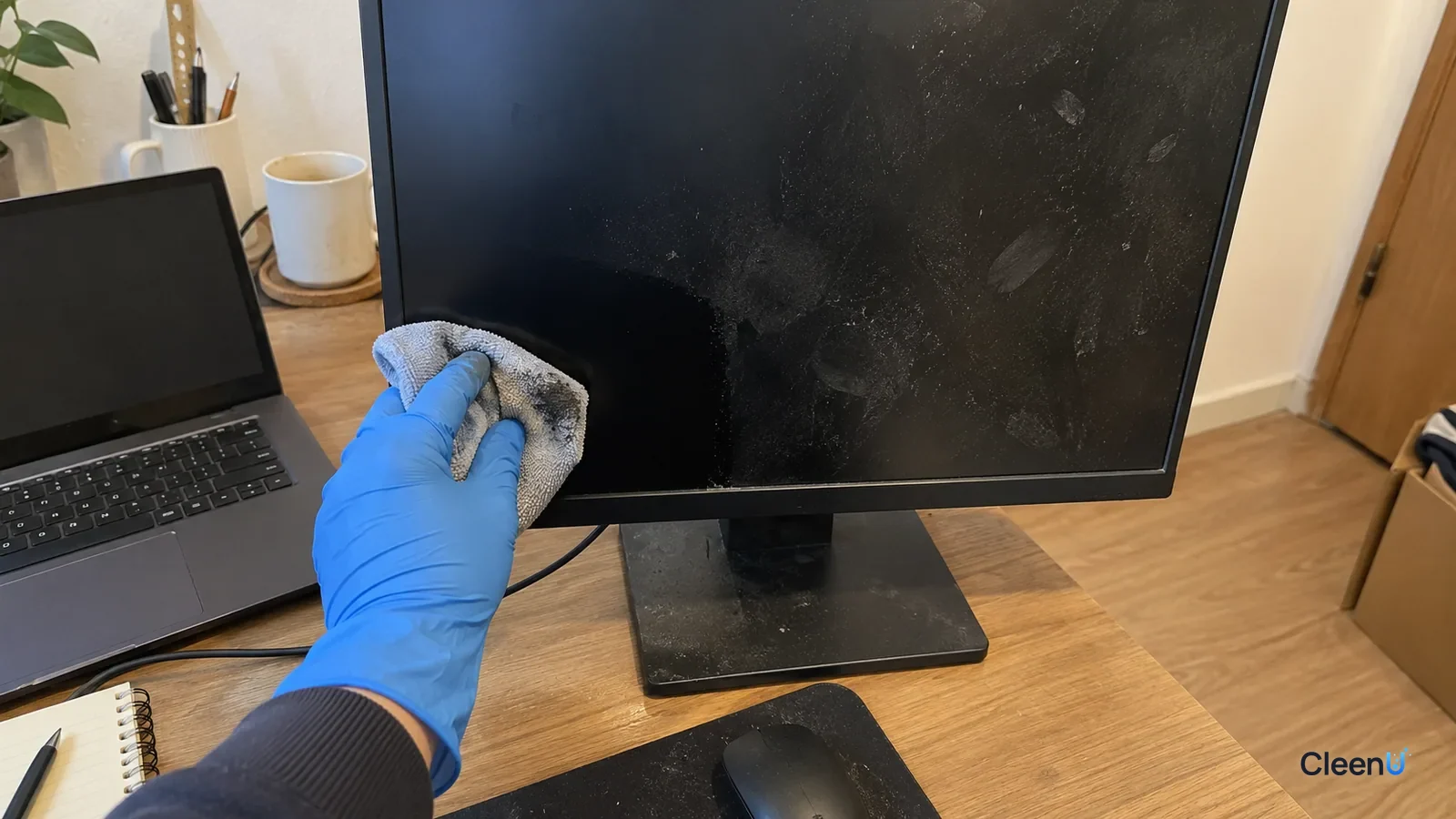
Some monitor "spots" are on the surface and some are inside the screen. Surface spots clean right up. Internal ones won't change no matter what you do, and pressing hard or using the wrong cleaner can actually damage the screen. So figure out where it is first.
Spots on the surface: dirt and residue
Splashes of water, coffee, or saliva dry into small round dots with crisp edges.
Fingerprints and skin oil leave a shiny smudge that's clearer at an angle.
Cleaner residue from too much liquid or the wrong cleaner dries into haze or streaks.
You can see these with the screen off and black, looking across it toward the light, and they change shape or fade as you wipe.
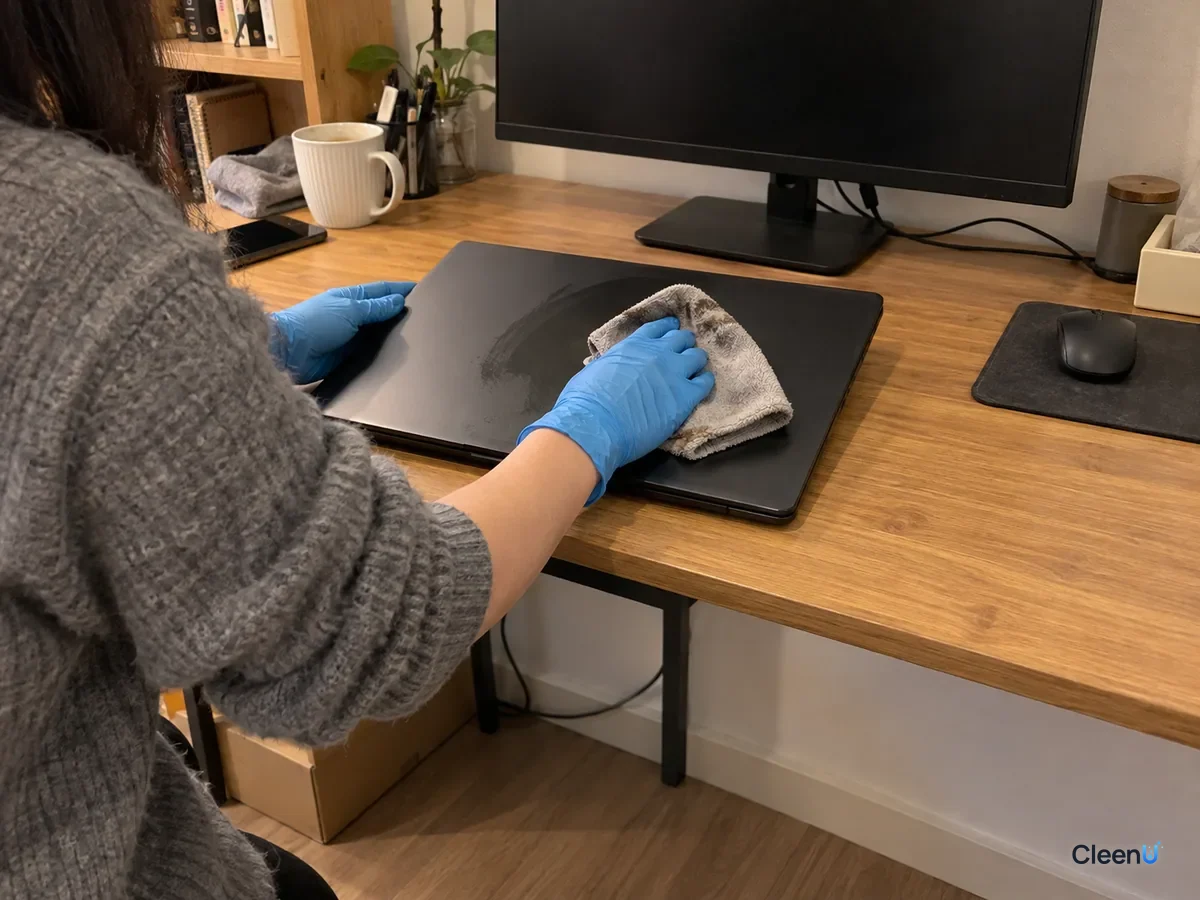
Spots inside the screen: cleaning can't help
Bright or white patches, often called pressure marks or backlight bleed: LCD monitors have a light guide plate, diffuser films, and other optical layers behind the panel. If the screen has been pressed or bumped, or a layer has warped or trapped debris, you'll see a bright or white area on white or light backgrounds when it's on. It disappears when the screen is off.
Dead or stuck pixels: a single pixel fails and shows as a dot, black, white, or colored, that stays the same on every image.
Dust inside the panel: dust between the panel and backlight looks like a gray spot on bright images when the screen is on.
Coating damage: ammonia, alcohol, or heavy rubbing can haze the anti-glare coating and leave blotches you can't wipe away. It's on the surface, but it's damage, so cleaning won't restore it.
Five steps to find out where the spot is
Dirt or damage? Find out in five steps
-
Step 1 With the monitor off and the screen black, can you see the spot when you look across it toward the light?
- Yes
- It's on the surface. Keep going and try cleaning it.
- No
- It only shows when the screen is on, which usually means backlight bleed, a pressure mark, a dead pixel, or debris inside. Cleaning won't fix it; contact the manufacturer.
-
Step 2 Wipe gently with a dry microfiber cloth. Does the spot fade or change shape?
- Yes
- It's surface dirt. Clean it with screen cleaner as described below.
- No
- Go to the next check
-
Step 3 Mist screen cleaner onto a cloth and wipe gently two or three times. Does it change?
- Yes
- It's just stubborn dirt. Repeat a few times, finishing each with a dry cloth.
- No
- Go to the next check
-
Step 4 Is it a whitish haze in a spot where you've used glass cleaner or alcohol, or rubbed hard before?
- Yes
- The surface coating may be damaged, and cleaning can't restore it. Stop rubbing that area.
- No
- Go to the next check
-
Step 5 Is it a tiny spot in a fixed position that looks the same on every image?
- Yes
- It may be a dead or stuck pixel. Check with the manufacturer about warranty coverage.
- No
- Contact the manufacturer for further testing.
How to clean surface spots
Turn the monitor off, unplug it, and let the screen cool. Dirt shows best on a black screen, and liquid won't dry too fast on a cool one.
Dust it first with a dry microfiber cloth so grit doesn't scratch the screen while you wipe.
Mist screen cleaner onto a second microfiber cloth until it's slightly damp, and wipe the spot gently without pressing.
Finish right away with a dry cloth in one direction.
Check at an angle against the light. If it's still there, repeat the damp wipe and dry buff rather than adding more liquid.
Take CleenU Screen Cleaner as an example. It's a neutral, ammonia-free, alcohol-free screen spray, pH 6.5 to 7.5 as supplied, made with mild nonionic surfactants and low-residue ingredients, with no ammonia, ethanol, or abrasives. The surfactants emulsify dried drinks, fingerprints, and smudges; the low-residue ingredients cut down on streaks; and neutral pH with no ammonia or alcohol avoids causing new damage to anti-glare coatings. You spray it on a cloth, never directly on the screen, and it isn't for screens that are on or hot or for use with paper towels or rough cloths.
For streaks and rainbow smears, see How to clean a TV screen. On alcohol, see Can you use alcohol to clean screens.
Different surface spots, different technique
"Surface dirt" covers a few different things, and each one needs a slightly different approach.
Coffee, soda, and juice splashes carry sugar, color, and a little fat. As the droplet dries, sugar forms a thin, hard shell on the screen. The ring around the edge is the darkest part, because the dissolved solids migrate outward as the drop evaporates. A dry cloth won't move it, and scrubbing just cracks the sugar shell and drags the bits across the coating. Instead, press a barely damp cloth on the spot for two or three seconds so the water can redissolve the sugar, lift it off gently, and finish with a dry cloth.
Sneeze and talk spray dries into fine misty dots that are mostly mucin proteins and salt. Mucin turns a little tacky once it dries. A damp cloth lets it take up water and soften, and then it wipes away. If one pass doesn't clear it, turn the cloth to a clean section and go again. That works better than rubbing harder in the same spot.
Fingerprints and skin oil are oily, so water alone won't lift them. Nonionic surfactants in a screen cleaner wet the oil film and break it into tiny droplets the fibers can absorb. On matte screens, oil settles into the fine texture, so make two or three passes in one direction, switching to a fresh part of the cloth each time.
Old cleaner residue usually shows up as a hazy film or streaks left by too much liquid or the wrong product. Don't add more cleaner. Redissolve the old film with a barely damp cloth, buff it off right away with a dry one, and repeat if needed.
How to read your results, and when to stop
After every pass, turn the monitor off and check the dark screen in side light. Look for three things. Did the spot transfer to the cloth? If you can see a little color or oil on the fibers, the wipe is still doing something. Are the edges of the spot getting softer, or is it getting smaller? And are new streaks showing up around it? As long as each pass changes something, keep wiping gently.
If two or three passes leave the cloth clean and the outline of the spot doesn't change at all, stop. The mark isn't in a layer you can wipe off anymore. Either the coating is damaged or the problem is inside the panel. More wiping won't help, and it can scuff the healthy coating around it. With a work monitor, that's the moment to hand it to IT or the manufacturer instead of trying a stronger cleaner.
Why you shouldn't press hard
LCD panels and backlights contain many thin optical layers. Pressing hard can deform or shift them, and when you turn the screen on you'll see a bright patch or ripple-like marks, a pressure mark. Plenty of people start with a simple surface spot, scratch at it or push hard to get it off, and end up with real internal damage.
So wipe lightly and make extra passes on dirty spots instead of pressing harder.
How to get fewer spots
Keep drinks away from the monitor, and don't talk or sneeze straight at the screen.
Don't point at the screen with your finger, and keep your hands at the keyboard rather than near the display.
When you move a monitor, hold it by the frame, not the screen.
Dust it regularly with a dry microfiber cloth and deal with spots right away instead of letting them dry for days.
For other screens, see How to clean screens safely.
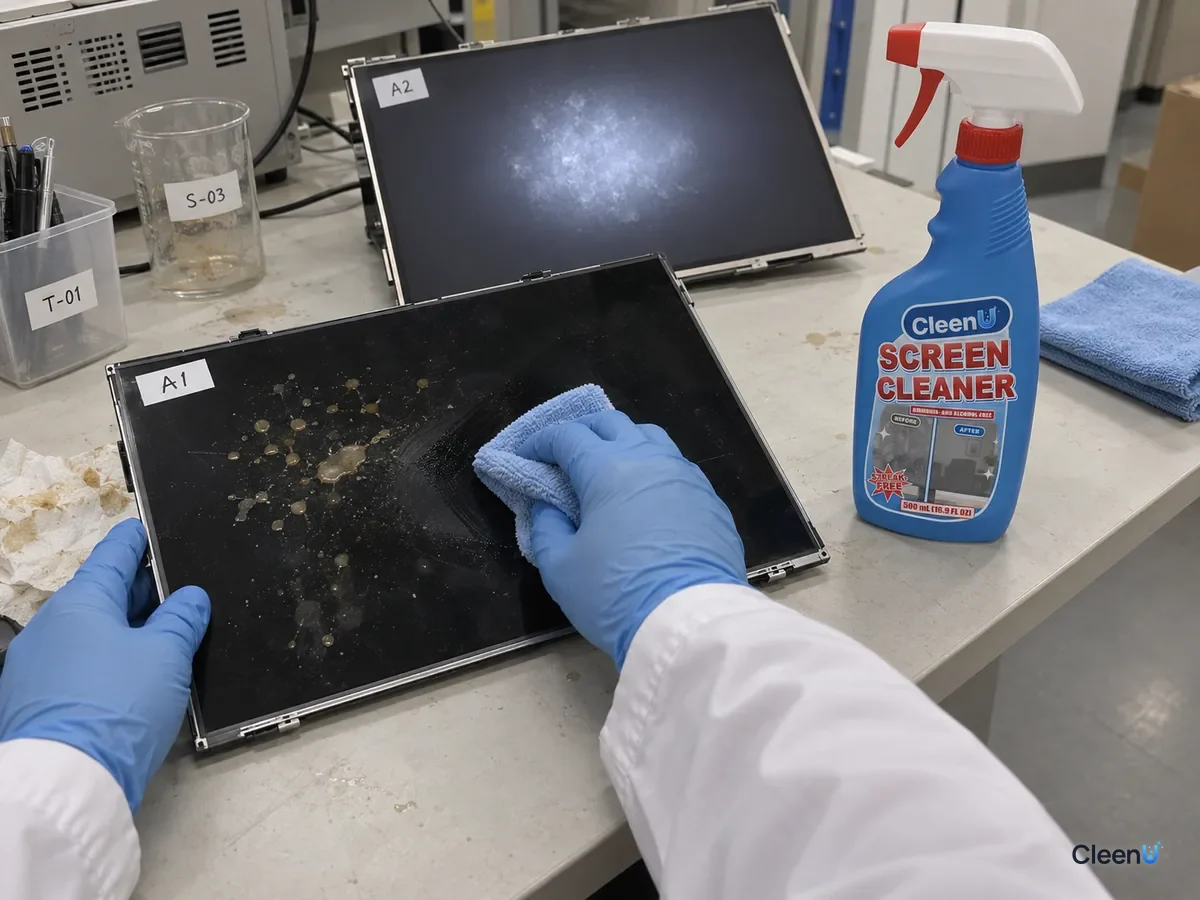
Stop if you see this
The spot appears only with the screen on and vanishes when it's off; it's growing; you see cracks or leak-like patterns; or the screen flickers or shows lines. Stop wiping and contact the manufacturer, and don't open the screen yourself. Never scrape a screen with a fingernail or blade, never use ammonia or alcohol products, and never spray cleaner directly on the screen.
Spots on a monitor: common questions
Is a bright white patch on my monitor dirt?
Usually not. If it disappears when the screen is off and shows on light backgrounds when it's on, it's typically backlight bleed or a pressure mark. Cleaning won't help.
How can I tell if a spot is on the surface or inside?
Turn the screen off and look across it in side light. If you can see it and it changes when wiped, it's on the surface. If you can only see it when it's on, it's inside.
What's a tiny black dot that won't wipe off?
If its size and position never change on any image, it may be a dead pixel. Check your warranty with the manufacturer.
Will pressing harder get the spot off?
No, and it can cause internal pressure damage. Wipe lightly and make more passes instead.
Why won't a hazy patch on my screen wipe off?
If that area has been cleaned with glass cleaner or alcohol, or rubbed hard, the anti-glare coating may be damaged. Cleaning can't restore it.
Can I spray cleaner directly on a monitor?
No. Spray the cloth, then wipe, so liquid doesn't run into the bezel.
For a neutral screen spray with no ammonia or alcohol that gently lifts dried drink spots, fingerprints, and smudges from monitors when used on a cloth, take a look at our Screen Cleaner.
For a monitor spot that won't wipe off, figure out whether it's on the surface or inside. If you can see it with the screen off in side light and it changes when wiped, it's surface dirt: turn the monitor off, let it cool, mist a neutral, ammonia- and alcohol-free screen cleaner onto a microfiber cloth, wipe gently, and buff dry. If it only shows with the screen on, or never changes, it's backlight bleed, a pressure mark, a dead pixel, or internal debris, and you need the manufacturer, not a cleaner. Haze from glass cleaner, alcohol, or hard rubbing is coating damage. Always wipe lightly, never press or scrape.