
Q&A
Can You Clean Screens with Isopropyl Alcohol? What a Screen Cleaner Does Differently
Direct answer
Not for routine cleaning. Some device makers allow an occasional 70% isopropyl alcohol wipe to disinfect the outside of a phone, but frequent use wears down the anti-fingerprint coating, and anti-glare coatings on TVs and monitors are even more sensitive. Check your device's guidance first.
What you can and can't use on a screen
Yes
- A neutral, ammonia-free, alcohol-free screen cleaner, sprayed onto the cloth
- A microfiber cloth barely dampened with plain water
No
- High-concentration or industrial alcohol
- Ammonia-based window cleaner
- Acetone, nail polish remover, paint thinner and other solvents
- Kitchen degreaser, bleach, full-strength disinfectant
- Paper towels and rough towels
It depends
- 70% isopropyl or 75% ethyl alcohol wipes, only when the device maker allows them, for occasional disinfecting of phones and similar exteriors
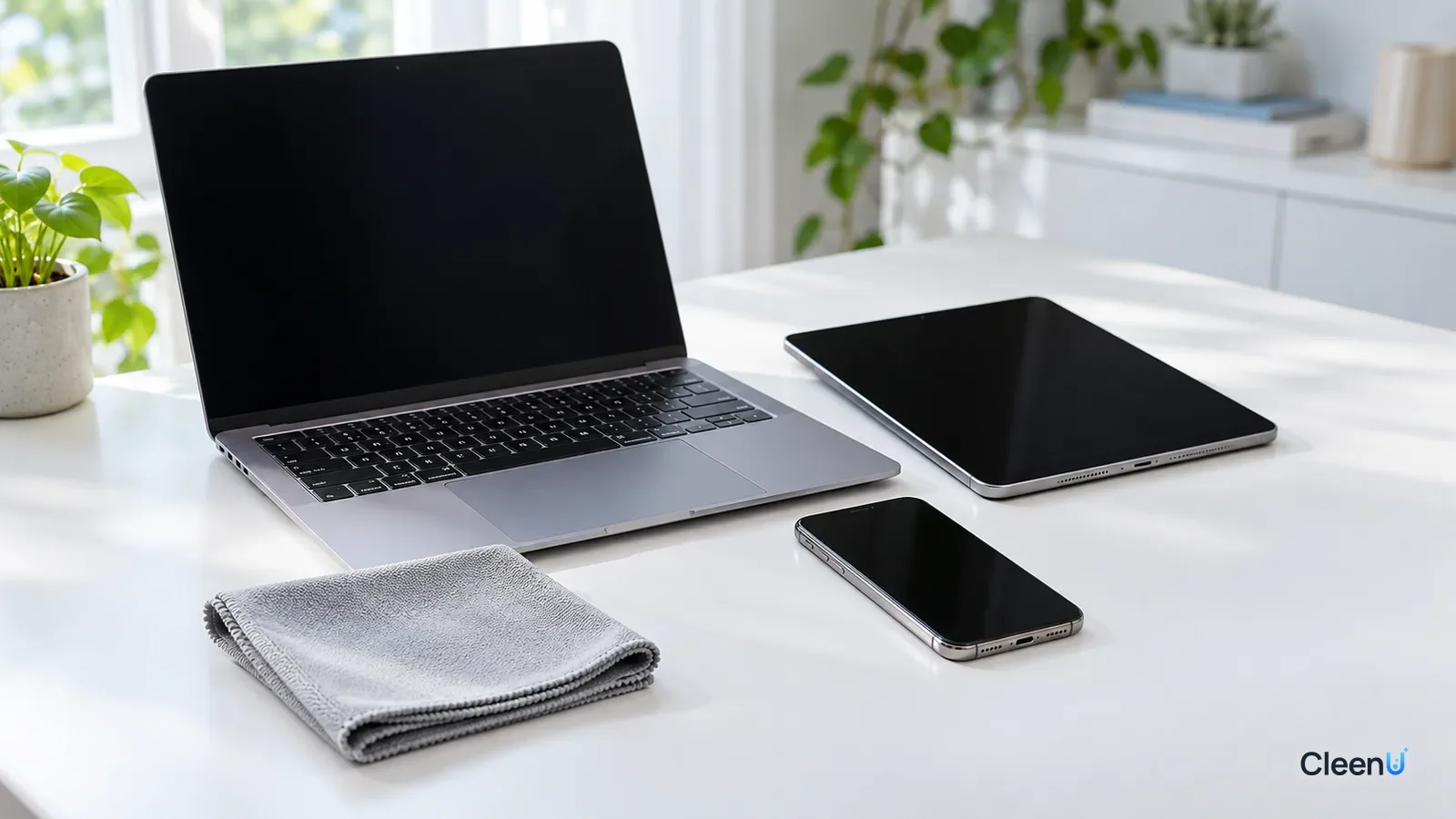
Whether you can wipe a screen with rubbing alcohol is one of the most common cleaning questions out there. Alcohol evaporates fast, doesn't leave water marks and disinfects, so it seems perfect for phones and laptops. The answers online are split: some people say they've used it for years without a problem, others say their screen turned hazy or started to feel draggy.
Both camps have a point. The difference comes down to what kind of screen it is, what strength of alcohol, and how often. To answer the question properly, you first need to know what is actually on the surface of a screen.
What is the coating on a screen?
The outermost layer of most screens isn't bare glass. It is one or more very thin functional coatings, and they vary by device.
Phones and tablets: the glass usually carries an anti-fingerprint coating, also called an oleophobic coating. It is a fluorine-based layer that lets your finger glide, keeps fingerprints from sticking and makes smudges easy to wipe off.
Laptops and monitors: matte screens have an anti-glare coating with a fine textured surface that scatters reflections. Glossy screens usually have an anti-reflective coating, and some premium models add a dedicated anti-reflective treatment.
TVs: most have an anti-glare or anti-reflective coating or film over the LCD or OLED panel.
All of these coatings are thin and don't hold up well to strong solvents or abrasion. Once they wear, the screen feels draggy, attracts fingerprints more easily, and matte screens can develop shiny or blotchy patches. Cleaning can't bring the coating back.
What does alcohol do to screen coatings?
Alcohol is a solvent. It dissolves skin oil and makeup, which is exactly why it cleans so well, but it also acts on the coating.
A phone's anti-fingerprint coating wears thinner over time from friction and solvents; that is normal. Wiping with alcohol often speeds up the process. You won't notice after a week, but after a few months the screen may feel draggy and fingerprints may be harder to wipe off.
Anti-glare and anti-reflective coatings are more sensitive to solvents. Strong alcohol can leave patches that look dull or hazy, or marks that won't wipe away. On a TV or monitor, with so much more surface, problems are easier to see.
The stronger the alcohol, the more often you use it and the harder you rub, the greater the risk. That is why some device makers only allow an occasional 70% isopropyl alcohol wipe on phone exteriors when you need to disinfect, and add warnings: don't use it on certain screens, don't soak the device, and skip bleach and abrasives. Every brand and model has its own rules, so check the manual or the manufacturer's support page.
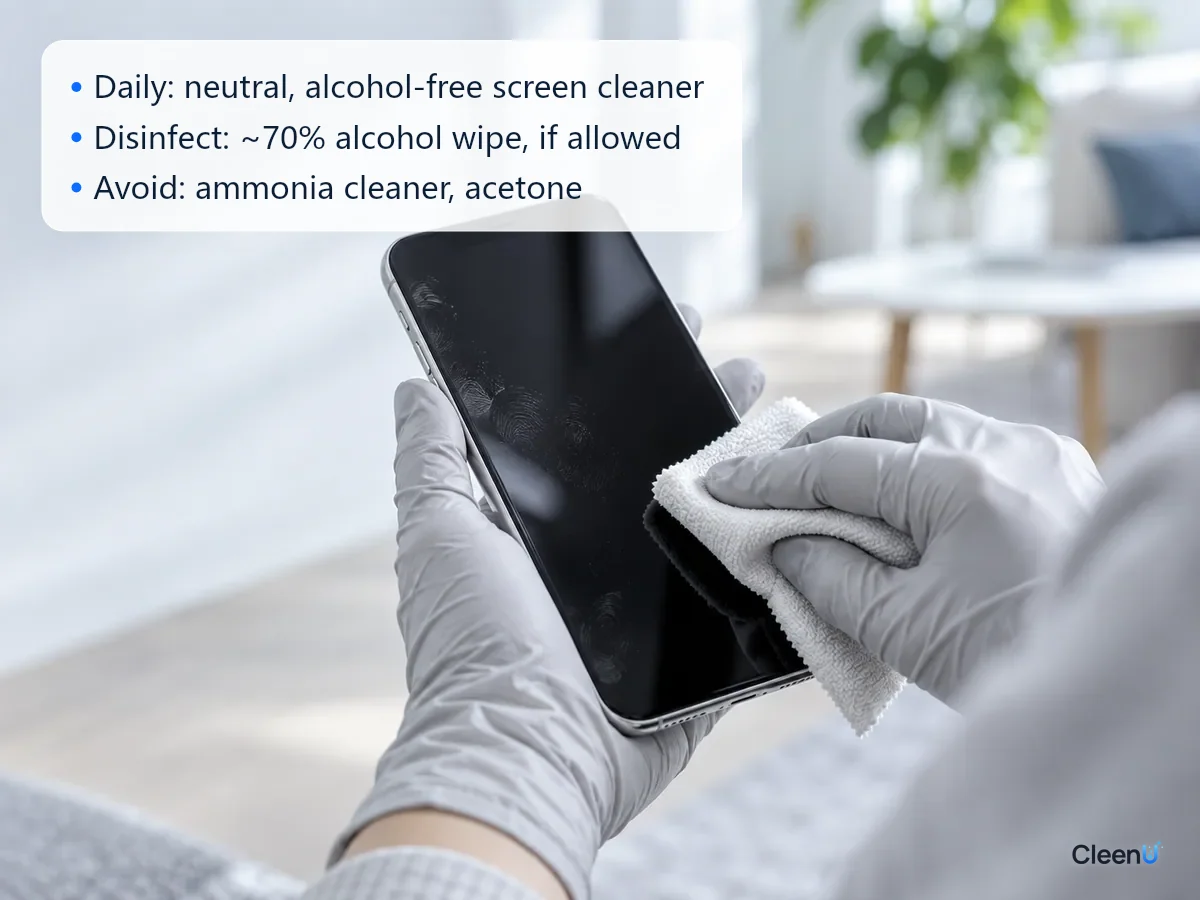
Is the risk the same on every device?
No. Based on the coating and construction, screens fall roughly into three groups.
Lower risk: glass screens on phones, tablets and smartwatches. The surface is hard glass with an anti-fingerprint coating, and some makers allow an occasional 70% alcohol wipe for disinfecting. The trade-off is faster coating wear, not immediate damage to the screen.
Higher risk: laptops, monitors and all-in-one computers. Anti-glare coatings on matte screens and anti-reflective coatings on glossy ones are both sensitive to solvents, and some premium laptops with special anti-reflective treatments explicitly say to keep solvents off the display.
Highest risk: TVs, projector screens, in-car displays with films, and e-ink readers. TVs have a large, thin coating and a panel that doesn't like pressure or liquid. Car displays often carry anti-glare films and sit in heat that makes damage more likely. E-ink readers usually have plastic surfaces that are even more sensitive to solvents.
The plastic bezels, rubber buttons and speaker grilles around a screen can also turn chalky or stiff from alcohol. Wipe only the screen and keep a damp cloth from sweeping across those parts.
Why window cleaner and nail polish remover are worse
Some common household liquids do far more damage to a screen than alcohol does.
Ammonia-based window cleaner: ammonia is alkaline. It works well on windows but attacks anti-reflective and anti-glare coatings, leaving a haze or rainbow pattern.
Acetone, nail polish remover and paint thinner: these are much stronger solvents that can dissolve plastic bezels, films and coatings, sometimes leaving permanent marks after a single wipe.
Kitchen degreaser, bleach and full-strength disinfectant: strongly alkaline or oxidizing, they corrode coatings and bezels, and the residue can irritate skin.
Toothpaste and baking soda: often recommended online for "buffing out scratches," they are abrasives. They grind away the coating along with the scratch and leave the area around it looking worse.
What is safer for everyday screen cleaning?
Everyday cleaning is about removing dust, fingerprints and smudges. It doesn't require disinfecting. The safer approach:
Dust the screen with a dry microfiber cloth first. For fingerprints and smudges, use a neutral, ammonia-free, alcohol-free screen cleaner, sprayed onto the cloth rather than the screen until it is just damp, then wipe gently and finish with a dry side. CleenU Screen Cleaner is one example: pH 6.5 to 7.5, made with mild nonionic surfactants and low-residue additives, with no abrasive particles. It dries in seconds and lifts fingerprints without needing alcohol to dissolve the oil.
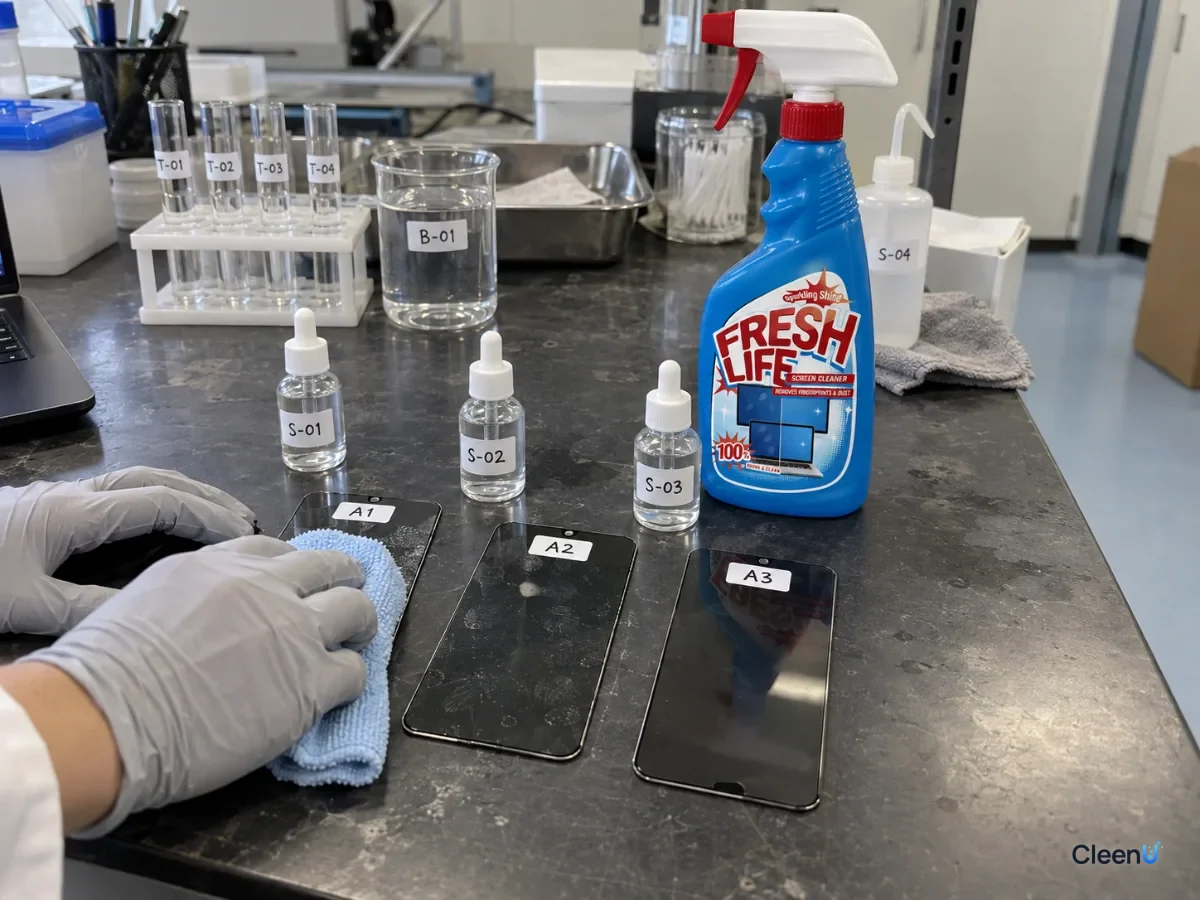
If you don't have a screen cleaner on hand, a microfiber cloth barely dampened with water handles most dust and light fingerprints.
What if you need to disinfect?
When someone at home is sick or your phone goes everywhere with you, disinfecting makes sense. Here is how to do it with less risk.
Check whether your device maker allows alcohol wipes, and at what strength and how. If it does, wipe the exterior gently with a 70% alcohol wipe. Don't soak it, keep moisture out of ports and openings, and let it air-dry.
Don't spray strong alcohol or disinfectant directly onto a screen, and avoid wipes that contain bleach.
Keep it occasional. Disinfecting now and then has a limited effect on the coating; wiping with alcohol several times a day wears it much faster. Use a neutral screen cleaner for everyday cleaning and save disinfecting for when you need it.
I already used alcohol on my screen. Did I ruin it?
If you've wiped it with alcohol a few times, most screens won't show any change, so don't worry. Switch to a neutral screen cleaner from now on and avoid pressing hard.
If you notice a hazy or dull patch, or the screen feels noticeably draggy and fingerprints are harder to remove, the coating may have worn. Cleaning can't fix that, so don't scrub harder or try another solvent to "polish" it back. On a phone, a fresh screen protector is the practical fix. For coating damage on a TV or monitor, ask the manufacturer's support what they recommend. For how to clean different devices, see our screen cleaning guide, and for large displays, see how to clean a TV screen without streaks.
What about a phone with a tempered glass protector?
With a tempered glass or film protector, you are cleaning the protector's surface, not the screen. Protectors have their own anti-fingerprint coating, which alcohol wears down the same way. The difference is that a protector can be replaced, so the stakes are lower. When you need to disinfect, follow the protector and phone makers' guidance on alcohol wipes; for everyday cleaning, a neutral screen cleaner is still the better choice.
Stop if you notice any of these
Haze, blotches, rainbow patterns or dull patches on the screen; liquid in the ports, buttons or around the edge of the display; touch or display problems. Stop wiping, power the device off and let it dry out completely, and contact the manufacturer's support about coating damage or liquid exposure.
Alcohol-and-screen questions people ask most
Can I use 70% isopropyl alcohol on my phone screen?
If your phone maker allows it, use an alcohol wipe occasionally to disinfect the exterior, without soaking it or letting moisture into openings. For everyday cleaning, a neutral screen cleaner is better.
Can I use alcohol on a computer monitor or TV?
Better not. Anti-glare and anti-reflective coatings are more sensitive to solvents, and strong alcohol can leave hazy or dull patches. Use a neutral, alcohol-free screen cleaner.
Can I use lens-cleaning wipes on screens?
Many contain alcohol. Occasional use is fine, but they aren't meant for daily screen cleaning, especially on TVs and monitors.
Why do fingerprints smear more the more I wipe?
Switch to a clean microfiber cloth, spray neutral screen cleaner onto it, wipe gently and finish with a dry side. Smearing usually means the cloth is dirty or too wet.
My screen feels draggy after alcohol. Can it be fixed?
Worn coating can't be restored by cleaning. On a phone, apply a new screen protector; for a monitor or TV, contact the manufacturer's support.
Does screen cleaner disinfect?
Screen cleaner is for removing dust, fingerprints and smudges, and it makes no disinfecting claim. When you need to disinfect, use a wipe your device maker approves.
Does screen cleaner contain alcohol?
CleenU Screen Cleaner does not; other brands vary, so check the ingredient list. Ours is a pH-neutral (pH 6.5 to 7.5), ammonia-free and alcohol-free spray that lifts fingerprints and oily film with mild nonionic surfactants and no abrasives, which suits coated screens for daily use. When comparing products, look for ethanol or isopropyl alcohol on the label.
What's the best way to clean a phone screen day to day?
A dry microfiber cloth plus a pH-neutral, alcohol-free screen cleaner is all you need. Turn the screen off and dust it with the dry cloth. For fingerprints, spray the cleaner onto the cloth, never directly on the phone, wipe gently once or twice and finish with a dry side. Skip paper towels, window cleaner and nail polish remover; disinfect only the way your phone maker allows.
For everyday screen cleaning with a neutral, ammonia-free, alcohol-free spray that is gentle on coatings, try Screen Cleaner.
Alcohol cuts oil, but it also slowly wears down anti-fingerprint and anti-glare screen coatings, so it isn't the right choice for routine screen cleaning. When you need to disinfect, check whether your device maker allows it, then use a 70% alcohol wipe occasionally on the exterior without soaking it, and keep it off TVs and monitors. For everyday cleaning, a neutral, ammonia-free, alcohol-free screen cleaner sprayed onto the cloth gets screens clean while protecting the coating.