
Q&A
How to Clean an OLED TV Screen
Direct answer
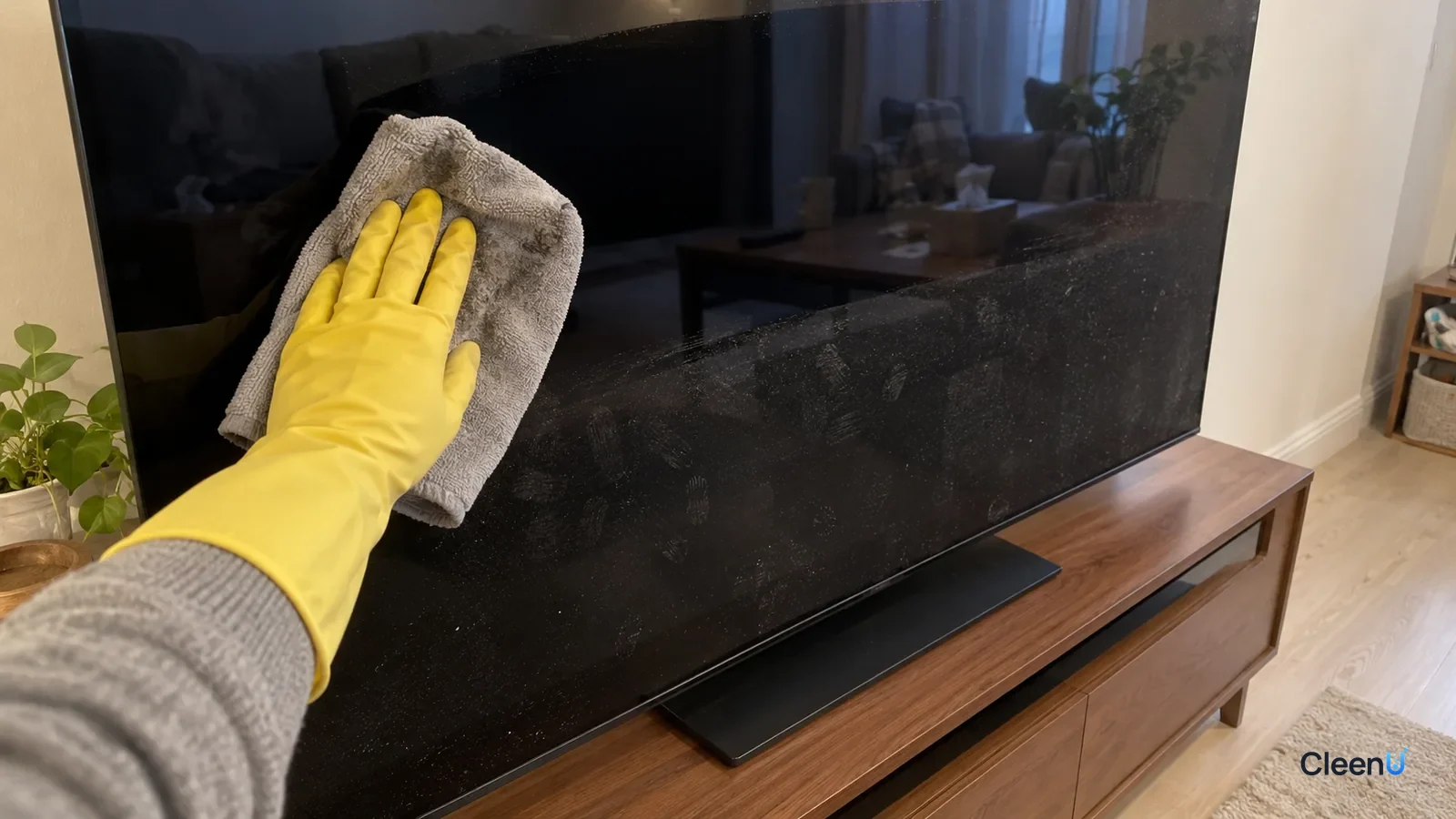
Yes, but follow your TV's manual. Most makers recommend turning it off and wiping gently with a dry microfiber cloth. For fingerprints and smudges that won't come off, mist an alcohol- and ammonia-free screen cleaner onto the cloth and wipe lightly. Never spray the screen and never press hard.
Cleaning an OLED TV: the questions people ask most
Can I use screen cleaner on an OLED TV?
You can use a screen cleaner with no alcohol or ammonia, misted onto a cloth. Check your manual first; some brands recommend only a dry cloth, so follow what yours says.
Can I clean an OLED screen with rubbing alcohol?
We don't recommend it. Alcohol can affect the anti-reflective coating and leave hazy or dull patches, and coating damage can't be undone.
Should the TV be off when I clean it?
Yes. Clean it off and cool. Smudges are easier to see on a black screen, and liquid won't flash-dry and streak on a warm panel.
Can I press hard on stubborn spots?
No. OLED panels are thin, and pressure can damage them. Wipe lightly and make a few extra passes on dirty spots.
There are white streaks after cleaning. What now?
That's usually residue from too much liquid. Buff in one direction with a dry microfiber cloth and use less next time.
How often should I clean an OLED TV?
Dust it with a dry cloth weekly if it gets dusty, and only spot-clean with screen cleaner when there are fingerprints. Frequent wet cleaning isn't needed.
OLED TVs are everywhere now: high contrast, deep blacks, impossibly thin. Because the panel is different from a traditional LCD, a lot of owners are nervous about cleaning it. Here's what's safe and what isn't.
How OLED differs from a regular LCD
A traditional LCD TV stacks a backlight, a liquid crystal layer, and color filters, with a polarizer and surface coating on the front. On an OLED TV, every pixel makes its own light, so there's no backlight and the panel can be just a few millimeters thick.
Both usually have a functional coating on the surface, either anti-glare (a matte finish that cuts reflections) or anti-reflective (a smooth coating that reduces mirror-like glare). OLED TVs mostly use anti-reflective treatments to keep blacks deep and reflections low. That coating is very thin, and it's the part most easily damaged by cleaning.
Because the panel is thin, OLED is also more sensitive to pressure. Pressing hard while wiping can damage the panel and show up as uneven brightness.
Why skip alcohol, glass cleaner, and wipes
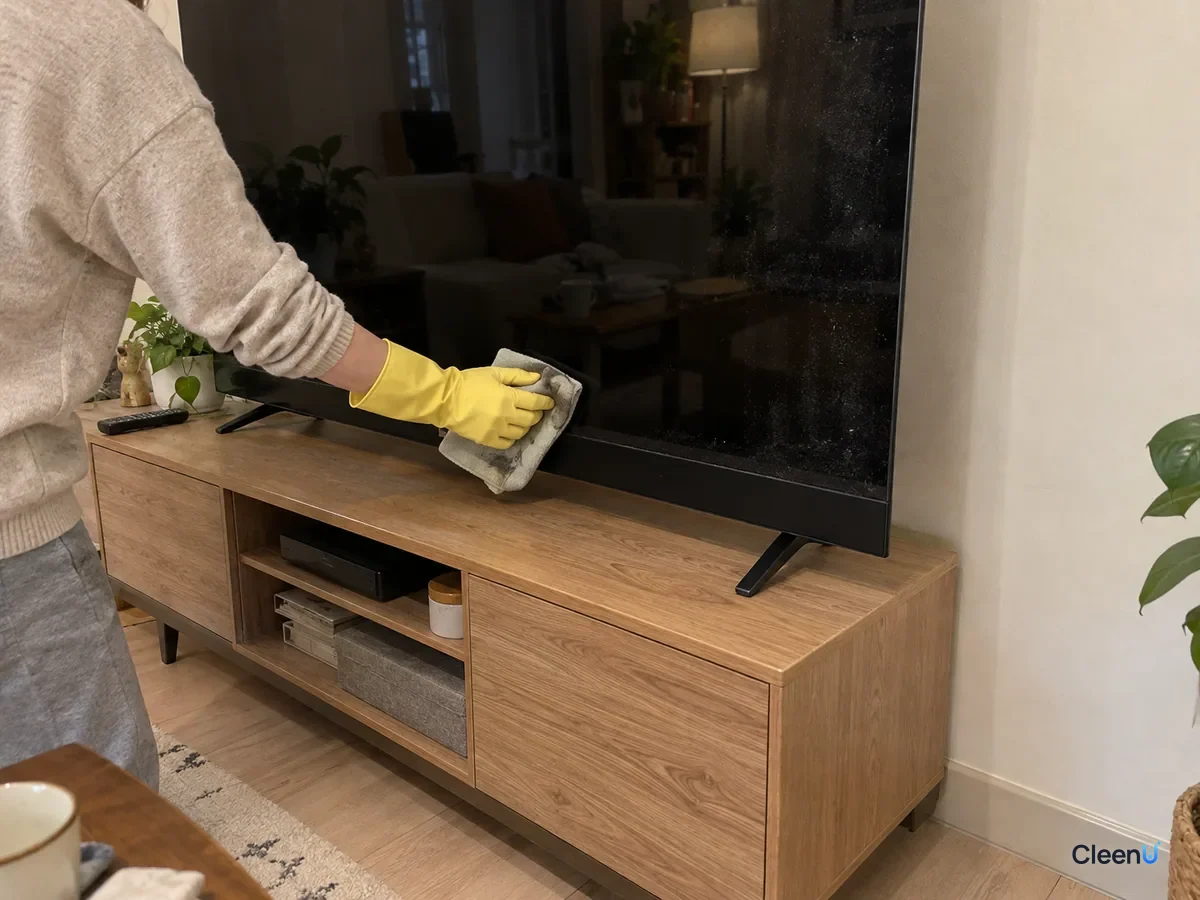
Alcohol is a strong solvent. At high strength it can swell or affect some coatings and leave hazy patches you can't wipe away. It also evaporates so fast that it often dries mid-wipe and leaves drag marks.
Glass cleaner often contains ammonia or a lot of alcohol. Great on windows, but ammonia isn't friendly to anti-reflective coatings.
Regular wet wipes often add moisturizers, skin-care ingredients, and fragrance, which leave an oily film that really shows on an OLED's black screen.
Paper towels and tissues are coarse, shed lint, and can leave fine scratches.
Coating damage from these usually can't be repaired, and it often isn't covered under warranty.
The right way to wipe it
Read the manual first. Brands differ: some recommend only a dry cloth, others allow a screen-specific cleaner. Do what yours says.
Turn the TV off, unplug it, and let the screen cool for a few minutes. Fingerprints and dust are easiest to see on a black screen.
With a clean, dry microfiber cloth, start at one side and lightly sweep in one direction to lift dust. Most of the time, that's all you need.
For fingerprints, splatters, or dried drink spots, mist one or two sprays of screen cleaner onto a second microfiber cloth until it's slightly damp and wipe the dirty area gently, with no pressure and no hard scrubbing in circles.
Follow right away with a dry cloth in the same direction to pick up any trace of liquid.
Check at an angle against the light. No streaks? Turn it back on.
Take CleenU Screen Cleaner as an example. It's a neutral, ammonia-free, alcohol-free screen spray, pH 6.5 to 7.5 as supplied, made with mild nonionic surfactants and low-residue ingredients, with no ammonia, ethanol, or abrasives. You spray it on a cloth and it dries within seconds of wiping. Neutral pH and no ammonia or alcohol protect screen coatings; the low-residue ingredients cut down on streaks. It's made for TVs, monitors, laptops, tablets, and phones. It isn't for spraying directly on screens, for screens that are on or hot, or for use with paper towels or rough cloths.
The cloth matters more than the cleaner
With OLED, the cloth is even more important than the cleaner.
Use a dense, lint-free microfiber cloth. Its ultrafine fibers trap skin oil and dust instead of pushing them around.
Keep two: one for the damp wipe and one for drying.
When it gets dirty, hand-wash it in water with a little mild detergent, rinse thoroughly, and air-dry. No fabric softener, and don't wash it with towels. Softener leaves an oily film on the screen, and cotton lint ends up on the glass.
For streaks and rainbow smears on TVs, see How to clean a TV screen. On alcohol specifically, see Can you use alcohol to clean screens.
What to avoid
Spraying the screen directly: liquid runs down to the bottom bezel and can seep inside.
Cleaning while it's on: the screen is warm, liquid streaks, and you may bump the controls.
Pressing hard or scraping with a fingernail: you can damage the panel or scratch the coating.
Alcohol, glass cleaner, wet wipes, and paper towels.
Letting liquid run into the bezel gap while wiping the frame.
How to clean it less often
Most of what lands on an OLED is dust; real smudges come from fingers and little hands.
Avoid pointing at the screen, and if you have small kids, mount the TV a bit higher.
Keep humidifiers and diffusers away from the TV; their mist can leave a film on the screen.
A regular dry dusting is safer than waiting until it needs a wet clean.
For other screens, see How to clean screens safely.
What's actually on the screen?
Knowing what you're looking at tells you how far you need to go. Most of what ends up on an OLED TV falls into four groups, and each one sticks differently.
Dust. A running TV picks up a slight static charge, so fine airborne dust clings to the panel and shows as an even gray haze when the screen is off. It's loose particles held by static and weak adhesion, and a dry microfiber cloth lifts it easily. It's also the reason dust always comes off first. If you go straight in with a damp cloth, the liquid grabs the dust and the cloth drags it across the coating, which is a lot like rubbing the screen with very fine sand.
Fingerprints and skin oil. Touch leaves behind skin oil, mostly triglycerides, fatty acids, and waxes. They don't dissolve in water, so a dry cloth tends to smear them into a bigger oily haze. This is where the nonionic surfactant in a screen cleaner earns its keep. It wets the oil film, loosens its grip on the coating, and emulsifies it into tiny droplets the cloth can absorb.
Splatter and sneeze spots. Drinks, snack crumbs, and sneezes dry into small dots of sugar, protein, and a little salt. Most of that is water-soluble; it just needs a moment to rewet. Rest a slightly damp cloth on the spot for two or three seconds, then lift it away in one direction. That's much safer than scrubbing back and forth.
Hazy film. If an ultrasonic humidifier or an essential-oil diffuser sits near the TV, or the TV is close to an open kitchen, a film builds up over time. Humidifiers filled with tap water send minerals into the mist, which dry as tiny white specks. Diffusers and cooking add oily droplets. This kind of film usually takes one or two damp passes to clear. After that, move the humidifier farther away or switch to distilled water.
What the cleaner does, and what it can't do
On an OLED panel, a screen cleaner has a narrow job: loosen skin oil and dried splatter from the coating so the cloth can carry it off, then evaporate quickly without leaving anything behind. The neutral pH and the absence of ammonia and alcohol are there so the thin anti-reflective coating stays the way it was made. The low-residue additives are there so nothing dries into streaks that show up on a black screen.
It's just as important to know its limits. A coating that already looks hazy, dull, or rainbow-patched has been changed by solvent or friction, and no cleaner can reverse that. Bright or dark spots from pressure are a hardware problem. Image retention inside the panel has nothing to do with cleaning at all. In any of those cases, more wiping only makes the area worse. Stop and contact the manufacturer.
How to know when to stop
When you finish, turn off the lights or close the blinds, leave the screen off, and sweep a phone flashlight across it at a low angle. If all you see is a few specks of loose dust and no oily haze or streaks, you're done and can turn it on.
If one area still looks hazy after two or three passes, finish it with a clean, dry cloth. If that doesn't change it, consider whether the coating there has already changed, instead of adding more cleaner or more pressure. Go especially easy along the edges and bottom bezel. Liquid has nowhere to go there except into the gap.
Adjusting for your setup
Big screens. Don't try to do a 65- or 77-inch panel in one pass. Work in three bands from top to bottom, using the damp side of the cloth and then the dry side for each band, and turn the cloth as it gets dirty. Wetting a large area at once means some of it dries before you get to it, and that's where streaks come from.
Wall-mounted TVs. For the part you can barely reach, don't stretch and press. Stand steady, steady the frame with one hand, and let the cloth's own weight do the work with the other. A panel on a wall bracket is more vulnerable to pressure than one sitting on a stand.
A TV that was just on. The surface is still warm, so liquid dries before you can spread it, leaving drag marks. Give it a few minutes, until you can't feel warmth with the back of your hand near the screen.
When you shop for a screen cleaner, look for "ammonia-free" and "alcohol-free" on the label, a stated use on TVs and monitors, and directions that say to spray the cloth. A strong scent doesn't mean cleaner glass; it's just one more ingredient that could be left behind. And your TV's manual still has the final word. If it says dry cloth only, use a dry cloth only.
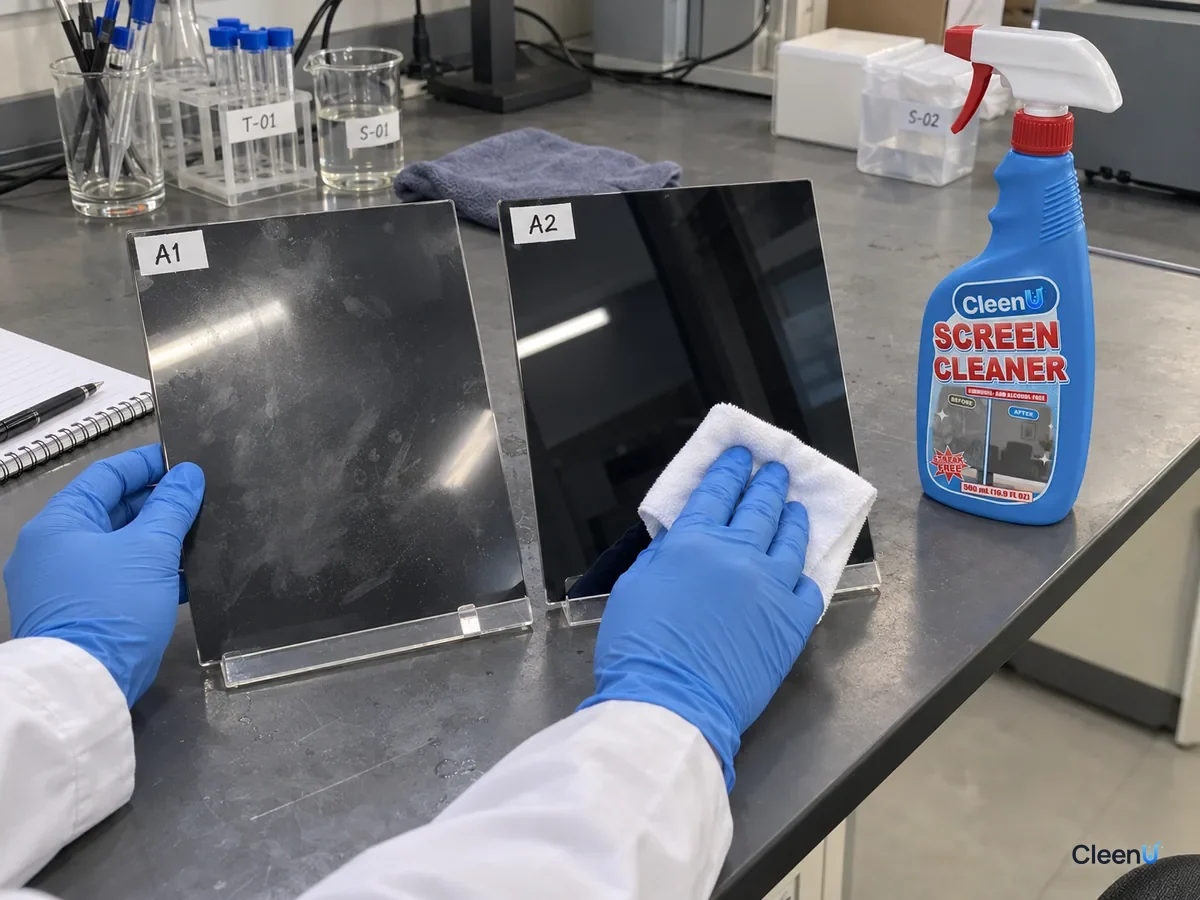
For a neutral screen spray with no ammonia or alcohol that dries in seconds when used on a cloth, suitable for OLED and LCD TVs, take a look at our Screen Cleaner.
You can clean an OLED TV screen, as long as you follow the manual. Usually a dry microfiber cloth on a cool, powered-off screen is enough. For fingerprints and smudges, mist a little neutral screen cleaner with no alcohol or ammonia onto the cloth, wipe gently, and finish with a dry cloth. Never spray the screen, never press hard, and skip alcohol, glass cleaner, wipes, and paper towels. With a thin panel and a solvent-sensitive coating, the right cloth, very little liquid, and a light touch are what keep an OLED looking its best.