Formula Tuning
Tune formula and dry time for devices, desks, and plastic cases

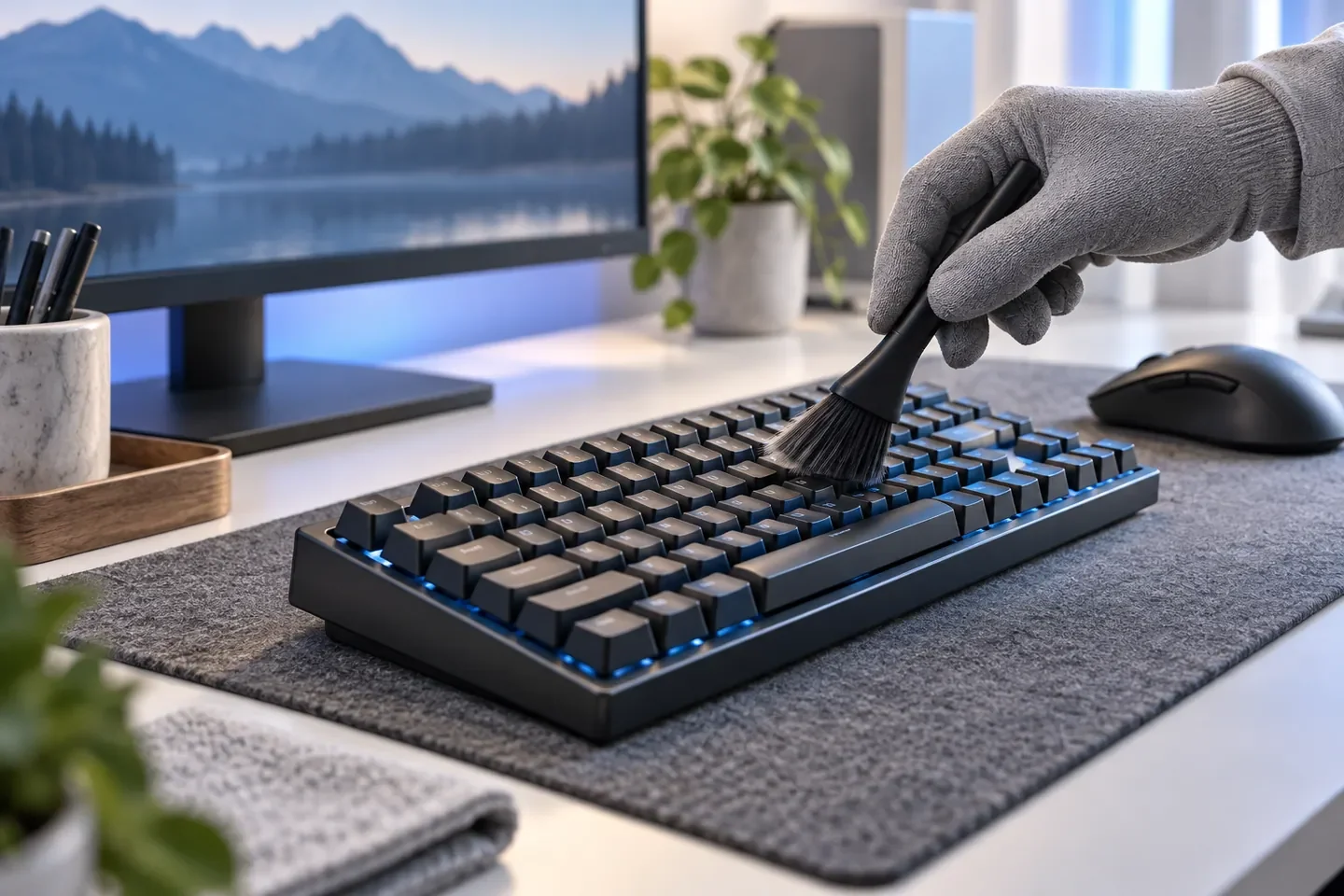
The biggest risk with a keyboard cleaner is liquid getting into key gaps and circuits. Sweat, skin oil, and snack crumbs on keyboards, mice, and controllers call for a neutral, fast-drying electronics surface cleaner, used with the device off and sprayed onto a cloth first. Fingerprints and cup rings on gaming and office desks take a no-rinse desk cleaner, and faded, chalky plastic cases on PCs and speakers take a plastic cleaner and restorer. CleenU matches three ready-to-use cleaners to the device and surface and makes private-label and OEM/ODM versions for gaming and internet-cafe channels, electronics accessory brands, and online sellers.
Tune formula and dry time for devices, desks, and plastic cases
Samples are usually ready in 3–5 days
Retail or bulk café packs, cloth kits, and label language
Private-label keyboard and gear cleaners from 500 bottles
For sweat, skin oil, fingerprints, and snack residue on keyboards, mice, controllers, and headset shells, power off or unplug first, spray a neutral fast-dry electronics surface cleaner onto a microfiber cloth, wipe, and clean key gaps with a cotton swab; it air-dries in 1–2 minutes. Never spray the device directly. For fingerprints and coffee rings on gaming, study, and office desks, spray the desk cleaner and wipe right away, no rinse needed. For faded, chalky plastic cases, spray the plastic cleaner, wait a minute, wipe, and buff dry. Don't use these on monitor screens, inside PCs, or on powered devices.
Sweat and skin oil on keycaps and mouse shells: power off, spray the Gaming Station Electronics Cleaner onto a cloth, wipe, and swab the gaps.
Oily film on grips, sticks, and headset shells: spray the cloth, wipe, and let dry 1–2 minutes before use.
Fingerprints, cup rings, and spills: spray the Desk Tabletop Cleaner and wipe right away, no rinse.
Faded, chalky PC and speaker cases: spray the Plastic Cleaner & Restorer, wait a minute, wipe, and buff.
Spot-test natural stone, coated, and wood surfaces in a hidden area first.
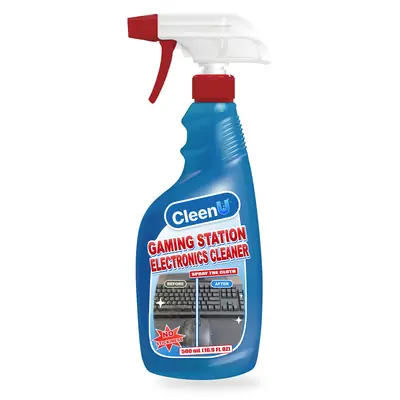
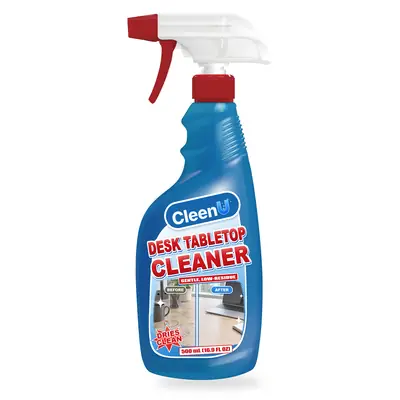
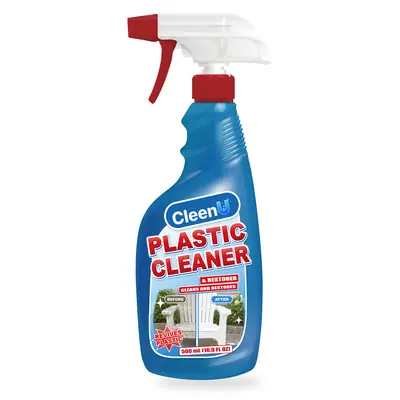
Tell us what you are cleaning, the surface, and how you clean it, and we will point you to the right product or formula.
Get Product AdviceWe tune formula, dry time, and residue separately for devices, desks, and plastic cases.
Free samples are usually ready in 3–5 days, then tuned for dry time, feel, and scent based on your tests.
Retail or bulk café packs, label design and language, plus cloth and cotton-swab cleaning kits.
Each formula keeps batch retention samples and a COA, so color, scent, and feel stay consistent on reorders.
Three common gaming and office cleaning jobs, compared by product, pH, foam, and method. Devices with circuits take a neutral fast-dry formula sprayed onto a cloth, sealed desks take a no-rinse desk cleaner, and faded plastic cases take a cleaner and restorer that brings back color.
| Cleaning Job | Where | Strength | Foam | Method |
|---|---|---|---|---|
| Keyboards & Peripherals | Keyboards, mice, controllers, and headsets | Neutral, pH 6.5–7.5 | None | Power off, spray the cloth, dry in 1–2 minutes |
| Desks | Gaming, study, and office desks | Neutral to mildly alkaline, pH 7.5–9.0 | Low | Spray and wipe, no rinse |
| Plastic Cases | Plastic device cases and trim | Mildly alkaline, pH 8.0–9.5 | Low | Wait a minute, wipe, and buff |
Power off, unplug, or remove batteries, then tap out crumbs.
Spray the cloth rather than the device, and swab the gaps.
Wait 1–2 minutes for it to air-dry before powering back on.
Feel keycaps and grips for tackiness, and check the desk for streaks.
Common questions about how to use it, which surfaces are safe, and private-label orders.
Unplug it, turn it over, and tap out crumbs. Spray the gaming station electronics cleaner onto a microfiber cloth, wipe the tops and sides of the keycaps, clean gaps with a cotton swab, and let it air-dry 1–2 minutes before plugging back in. Don't spray the keyboard directly or wipe it with a wet towel.
Remove the batteries or disconnect it, spray the cleaner onto a cloth, and wipe the grips, sticks, and around the buttons, using a cotton swab in the gaps. Let it dry before use. Stickiness is usually built-up sweat and skin oil, so regular wiping keeps it from coming back.
High-traffic shared keyboards and mice are best wiped at the end of every business day, with a quick wipe of keycaps and mouse surfaces between users or shifts. At home, once a week is enough.
Unplug or switch it off, spray the cleaner onto a cloth, and wipe the shell and side buttons. Clean around the feet and sensor with a dry cotton swab, and keep liquid out of the scroll wheel and sensor.
Spray the desk cleaner and wipe right away; for dried spills and cup rings, let it sit 30 seconds first. No rinse needed. It's not for unfinished or waxed wood.
Surface dust and chalking can be cleaned: spray the plastic cleaner, wait a minute, wipe, and buff dry to bring back some color. Plastic that has yellowed from aging can't be fully restored by a cleaner.
Settle four things: device cleaner, desk cleaner, or a bundle; bulk café packs or retail bottles; scented or unscented; and your target market and label language. Then we'll arrange free samples, usually ready in 3–5 days.
We provide SDS/MSDS, TDS, and batch COA, and prepare label copy for your target market. These documents aren't posted for download; we send them on request after you inquire.
Standard projects start at 500 bottles. Free samples are usually ready in 3–5 days, and production is scheduled after packaging and labels are approved.
Keyboard and desk cleaning comes down to keeping liquid out of your gear: power off and wipe keyboards, mice, controllers, and headset shells with a neutral fast-dry cleaner sprayed onto a cloth, dry in 1–2 minutes; use a no-rinse desk cleaner on gaming and study desks; restore faded plastic cases with a plastic cleaner; and use a screen cleaner on screens. If you're a gaming, internet-café, or accessory brand launching your own gear cleaner, CleenU can start from these three formulas, with free samples first and a 500-bottle MOQ.
Tell us your target market, channels, and packaging ideas. Free samples are usually ready in 3–5 days.