
Devices & settings
TVs & monitors
Common soilDust, splash spots and fingerprints
Compare liquid and foam screen cleaners, then check the display care guidance.
Full solution guideScreen Cleaning Solution

Screen & Electronics Cleaning
Find cleaners for fingerprints on TVs and phones, skin oils on peripherals and everyday desk marks by the surface you need to clean.
Explore electronics cleaners Screens, peripherals and desks · separate product choicesOne workspaceDifferent surfaces to clean
Full cleaning solutions
Devices & settings
Choose a TV, phone, shared touchscreen, car display or desktop setup to see relevant products.
Devices & settings
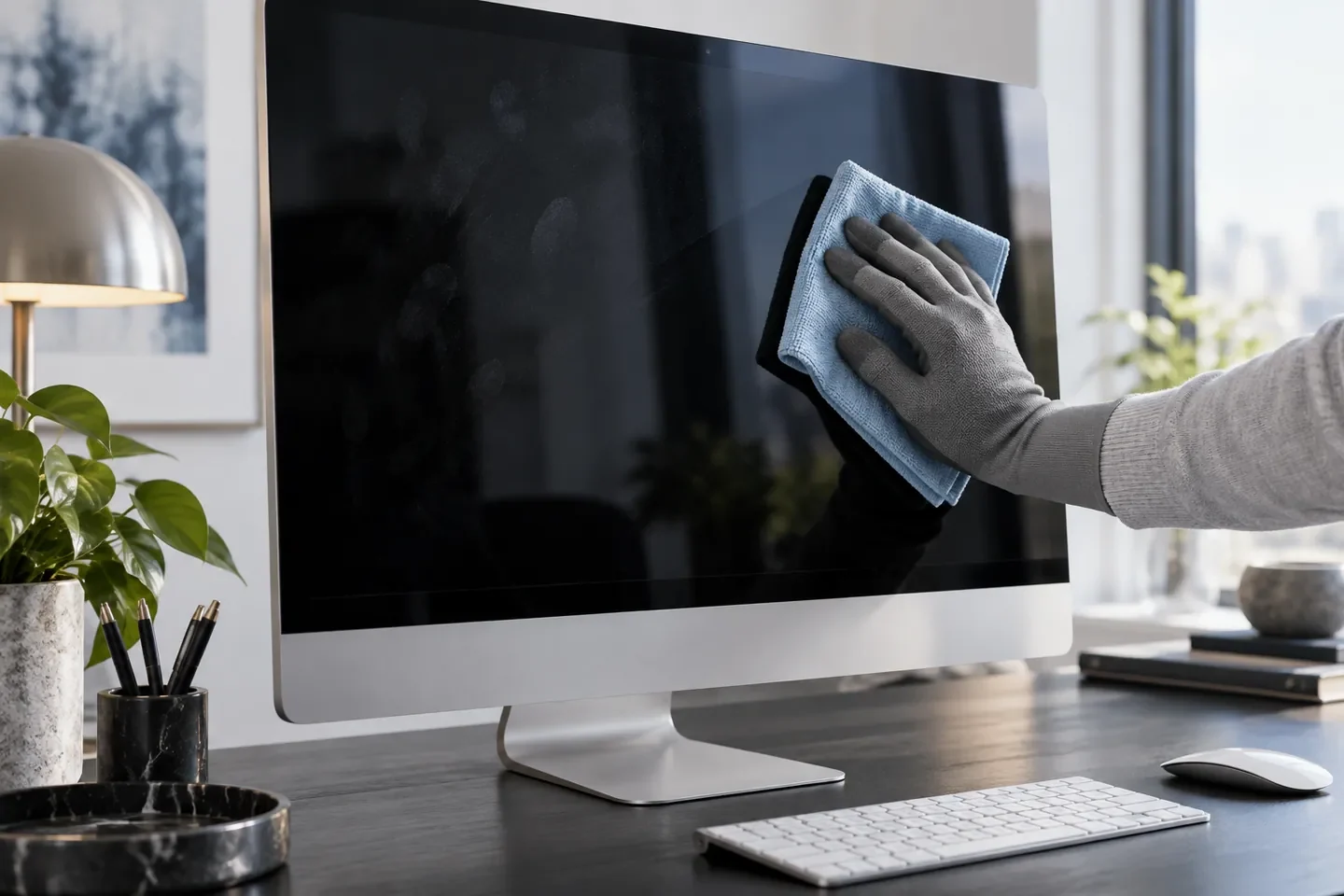
Common soilDust, splash spots and fingerprints
Compare liquid and foam screen cleaners, then check the display care guidance.
Full solution guideScreen Cleaning Solution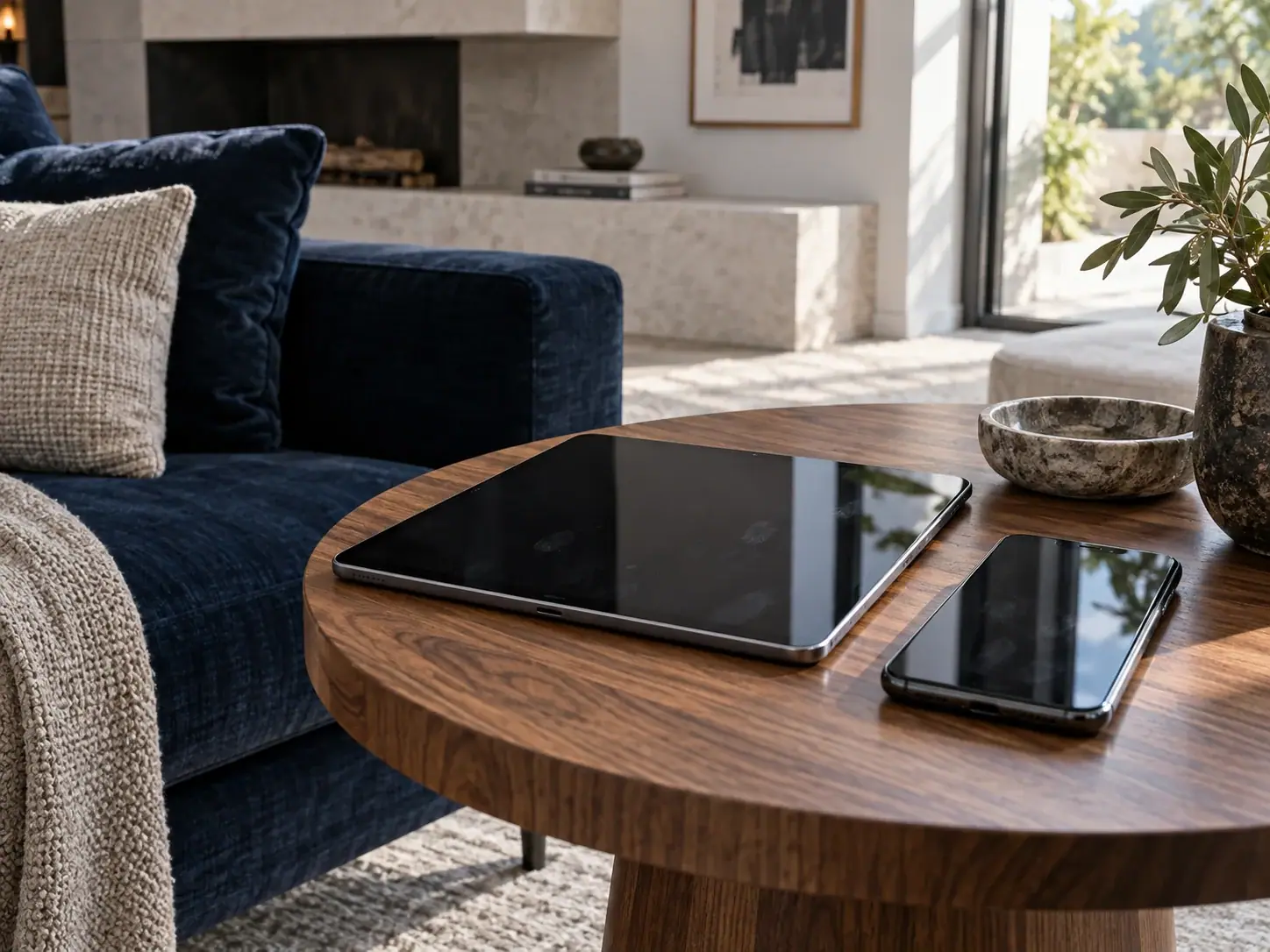
Devices & settings
Common soilTouchscreen fingerprints
Apply a little screen cleaner to a cloth, then wipe as the device guidance allows.
Full solution guideScreen Cleaning Solution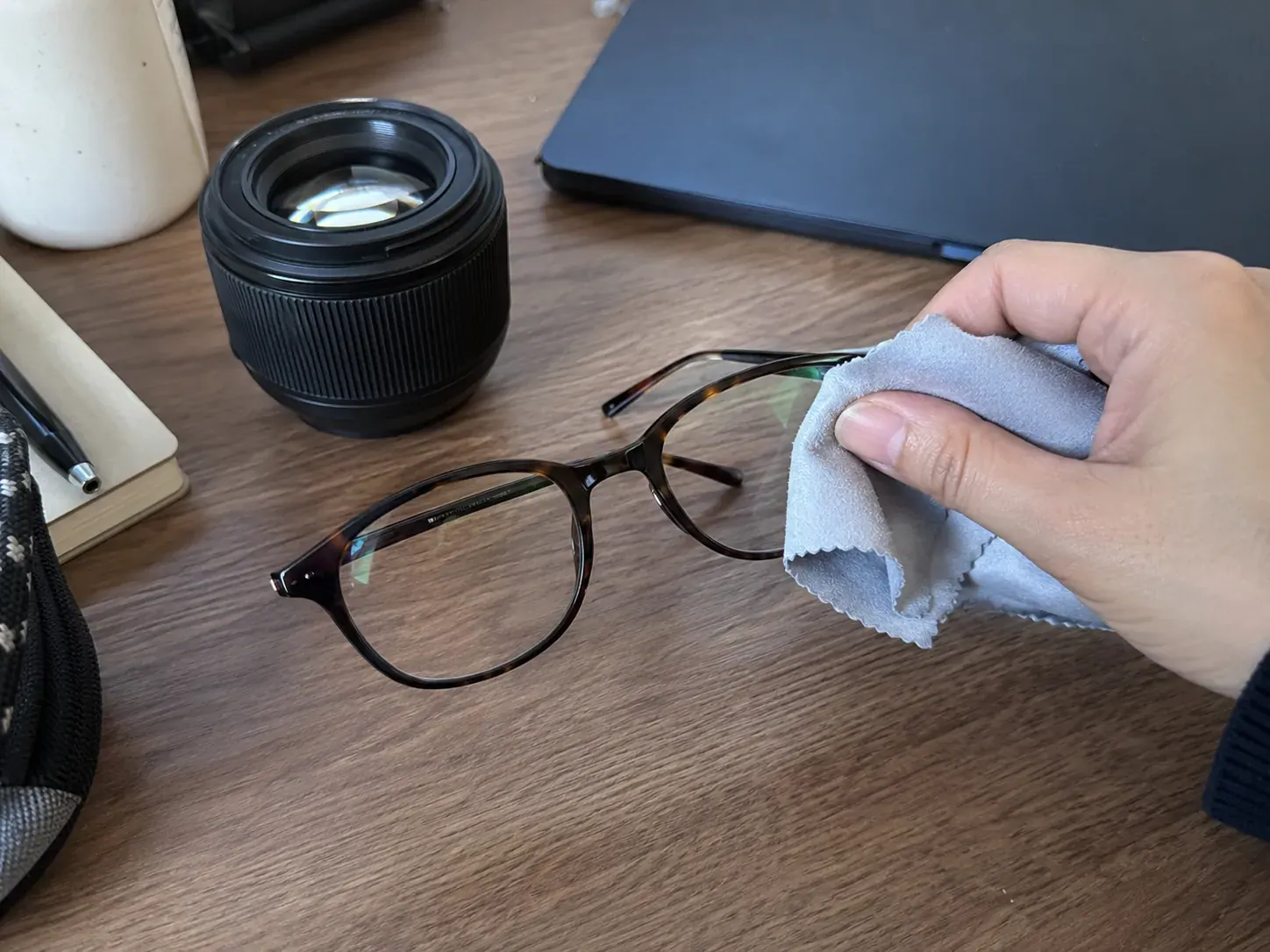
Devices & settings
Common soilFingerprints, oil film and lens dust
Lenses, eyeglasses and camera glass have separate products; never drip liquid straight onto a lens.
Full solution guideScreen Cleaning Solution
Devices & settings
Common soilFingerprints from repeated touch
Compare foam and liquid options for upright displays, taking care around edges and openings.
Full solution guideScreen Cleaning Solution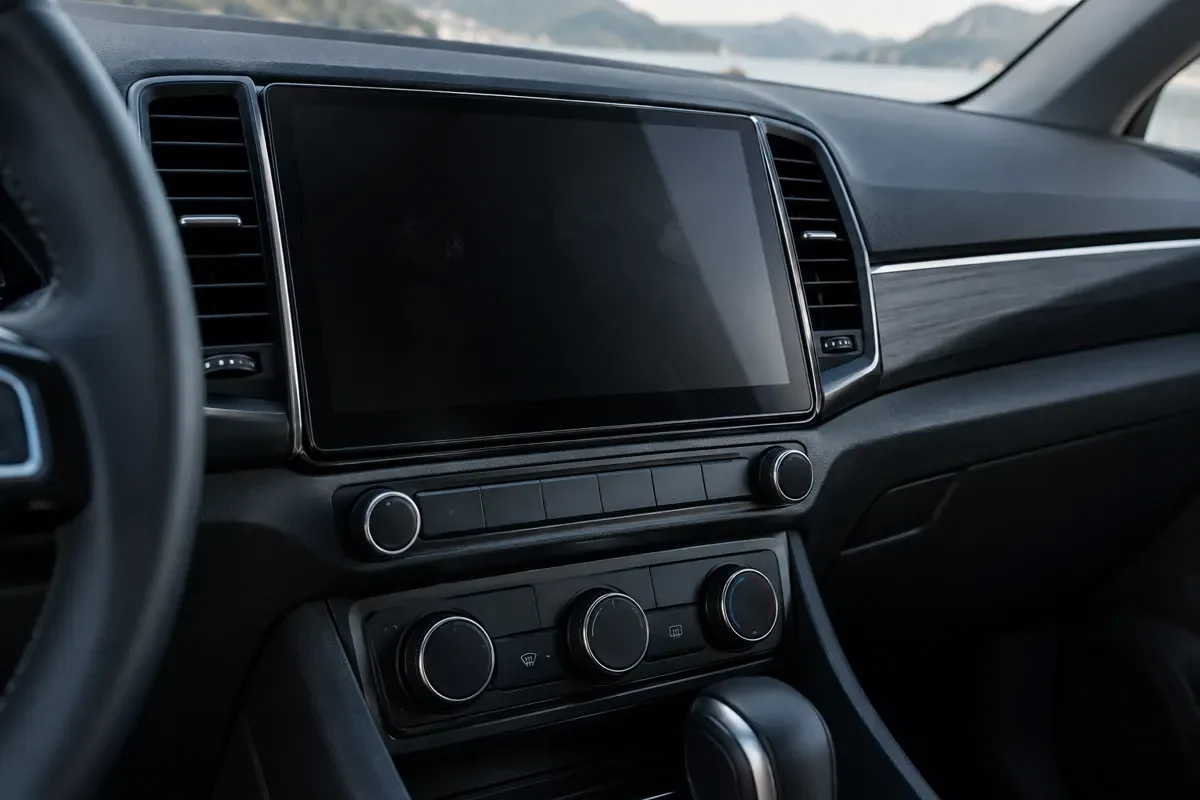
Devices & settings
Common soilScreen marks and oily console film
Treat the display and plastic console separately; apply product to the cloth and avoid controls and seams.
Full solution guideCar & RV Cleaning Solution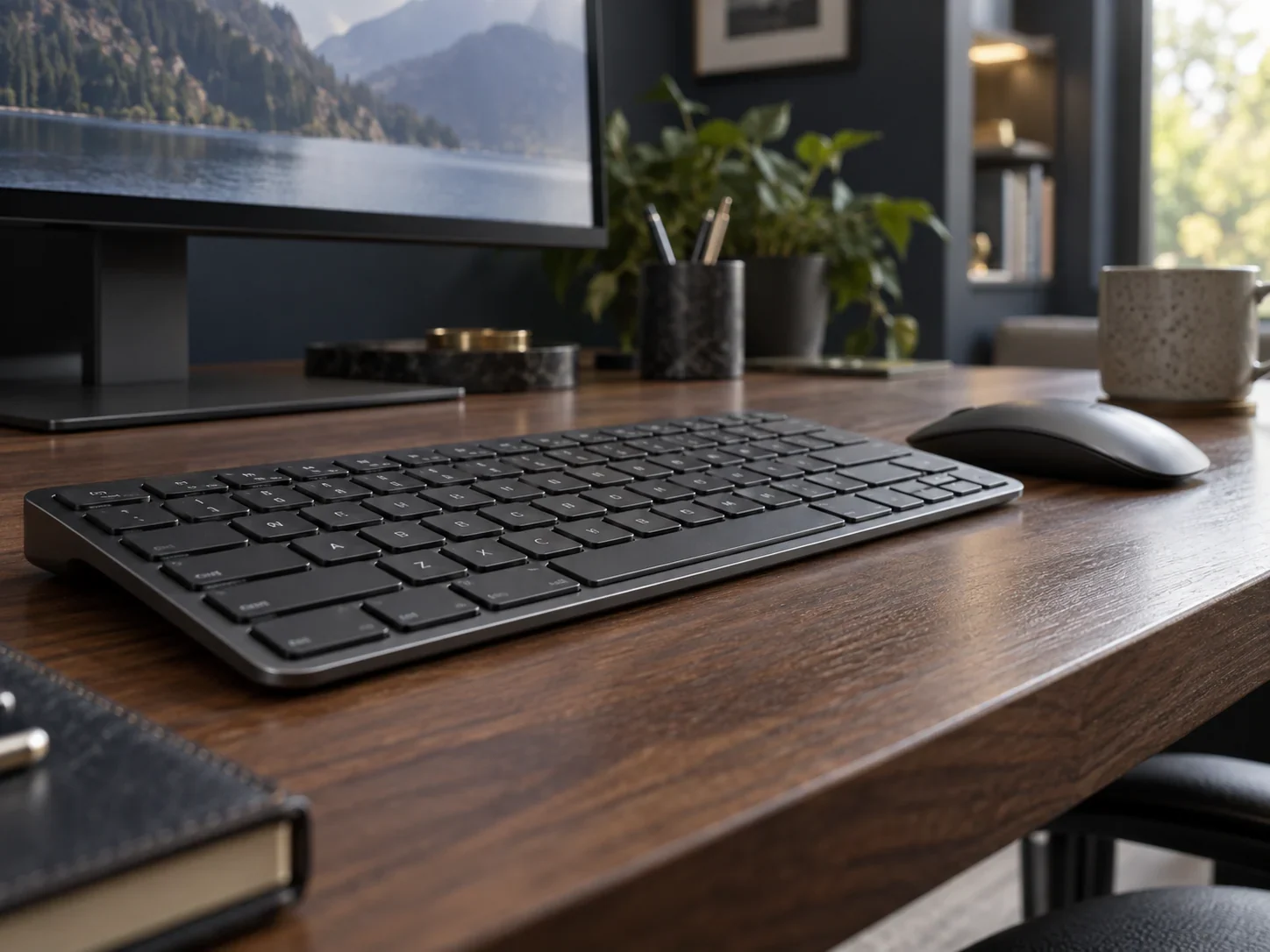
Devices & settings
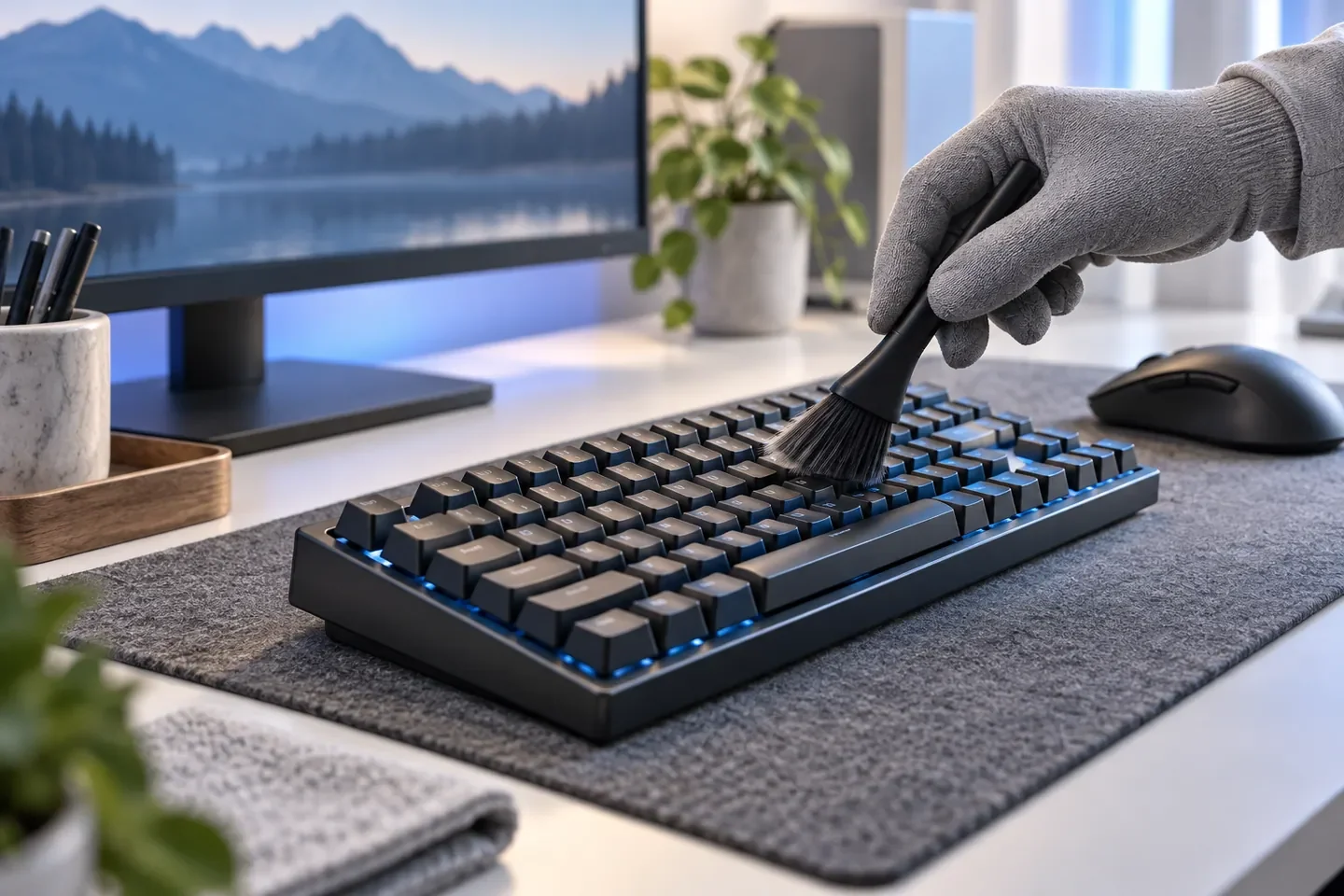
Common soilSkin oils and dust between keys
Remove loose dust between keys, then wipe accessible hard exteriors with a cloth.
Full solution guideKeyboard, Desk & Gaming Gear Cleaning Solution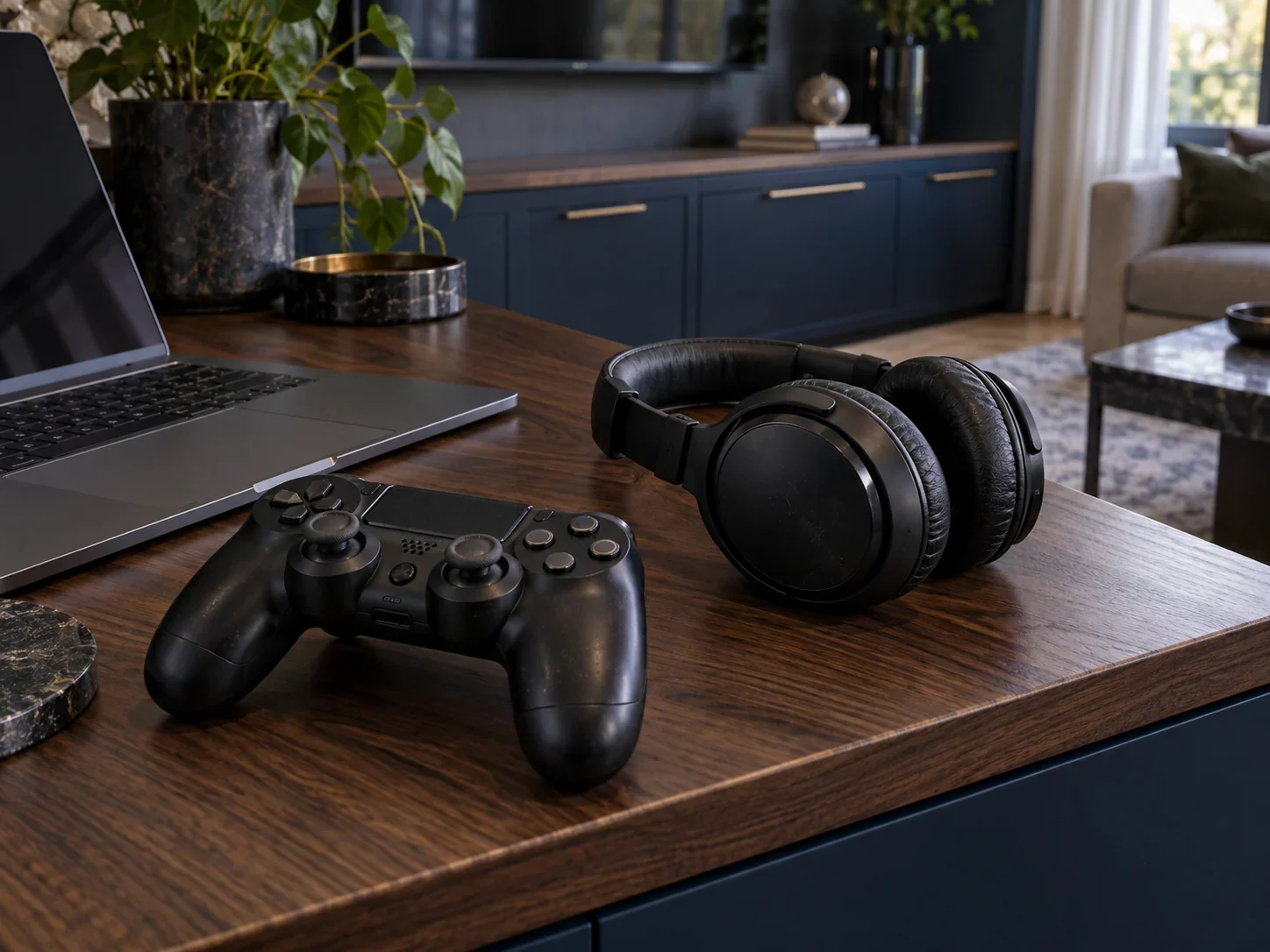
Devices & settings
Common soilFingerprints, drink marks and everyday film
Compare gaming-station and tabletop cleaners for the appropriate desk surface.
Full solution guideKeyboard, Desk & Gaming Gear Cleaning Solution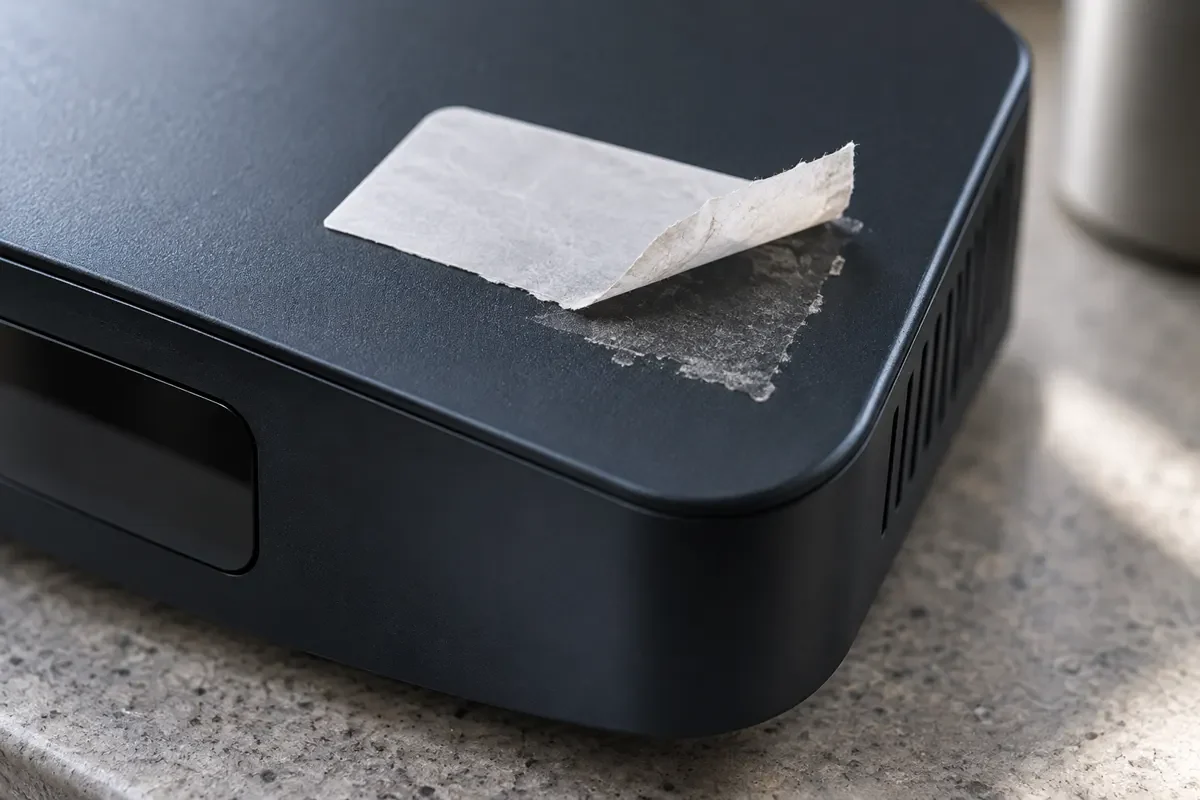
Devices & settings
Common soilCasing dust and label adhesive
Treat plastic care and label adhesive separately, keeping casing products away from the display.
Full solution guideKeyboard, Desk & Gaming Gear Cleaning SolutionSurface materials
Product list
8 products for screens & electronics. Open each one for its surfaces and directions.
Electronics-cleaner sourcing
Share target devices, touch surfaces and packaging needs to discuss liquid, foam and peripheral-cleaner options.
Discuss electronics-cleaner sourcingRelated solutions
 Home Surface Cleaning: Countertops, Stone, Wood & Adhesive Residue
 Carpet, Sofa & Leather Cleaning Solutions
Questions, answered
Do not substitute it automatically. A display may have a special coating; check the device care guide, then choose a screen-specific liquid or foam cleaner.
Start with the liquid for phones, tablets and laptops. Compare the foam for wall-mounted TVs, large monitors and upright kiosks, while following the device care guide.
Turn the device off where practical and apply a small amount to a microfiber cloth first. Wipe gently while keeping liquid away from edges, buttons and openings.
Try a clean microfiber cloth and less product, then finish with a dry cloth. If the marks persist, check the display coating rather than scrubbing harder.
Disconnect them and remove loose dust between keys. Apply Gaming Station Electronics Cleaner to a cloth and wipe accessible exteriors, keeping liquid out of the devices.
Include keyboards, mice, controllers and hard headset shells in the handover routine. Switch equipment off as directed, wipe exteriors and allow them to dry before use.
Use the gaming-station product only where the headset care guide permits on hard exteriors. Follow separate guidance for fabric or foam cushions and avoid soaking them.
Choose separately. Review Screen Cleaning Foam for the display and Car Interior Cleaner for nearby plastic console and dashboard surfaces.
Screen cleaner is for displays. Review Plastic Cleaner & Restorer for suitable plastic casings and Adhesive Remover for label residue, checking the casing material first.
Set the routine by use frequency. For shared spaces, wipe displays, desktops and peripherals between users with products matched to each surface.
Share the target devices, display or casing materials, main soils, sales market and packaging needs to discuss liquid, foam and peripheral products and samples.
Choose separately. Use Eyeglass Lens Cleaner or Lens & Screen Cleaning Wipes for eyeglasses, and Camera Lens Cleaner with lens tissue for camera glass. Camera sensors are outside the scope, and lenses with peeling coatings should go to an optician.