
How-to
How to Clean Your Phone Screen and Case
Direct answer
Power the phone off, mist screen cleaner onto a microfiber cloth, wipe the screen and body gently, and buff dry. Wash the case separately and let it dry completely before putting it back. Never spray the phone directly, and keep liquid out of the earpiece, speakers, mic holes, and charging port.
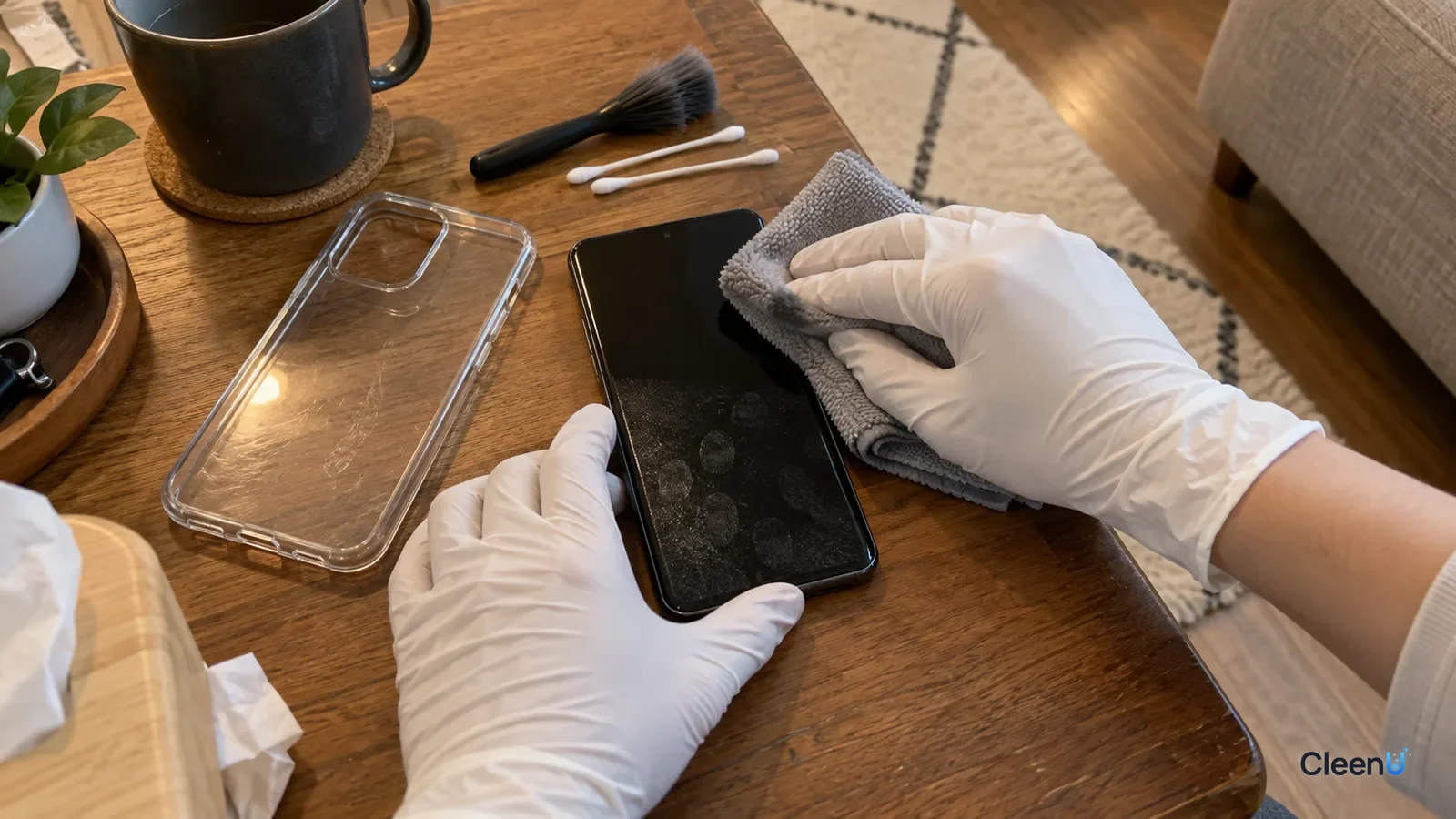
Your phone may be the thing you touch most every day: unlocking, scrolling, typing, holding it to your face, setting it on the kitchen table and the bathroom counter. The screen gets an oily sheen of fingerprints fast, dust builds up around the case edges, and a clear case turns yellow in a few months.
Phone screens have an oleophobic coating, and the body is full of openings. Cleaning means getting it truly clean without wearing the coating or letting liquid in. Here's how, for the screen, the body, and the case.
What that oily film on your screen is
Fingers and cheeks leave skin oil, sweat, and skincare products on the screen. Skin oil is mostly triglycerides, fatty acids, and wax esters, and it spreads into a thin film on the glass that shows up as shiny fingerprints in the light.
Most phone screens have an oleophobic (fingerprint-resistant) coating that keeps skin oil from spreading and makes it easier to wipe off. It's very thin and wears down with use, and high-strength alcohol, ammonia-based glass cleaners, and anything abrasive, like paper towels or toothpaste, wear it down faster. Once it's gone, the screen feels draggy and fingerprints are harder to clean.
With a tempered glass screen protector, you're cleaning the protector, but the same rules apply.
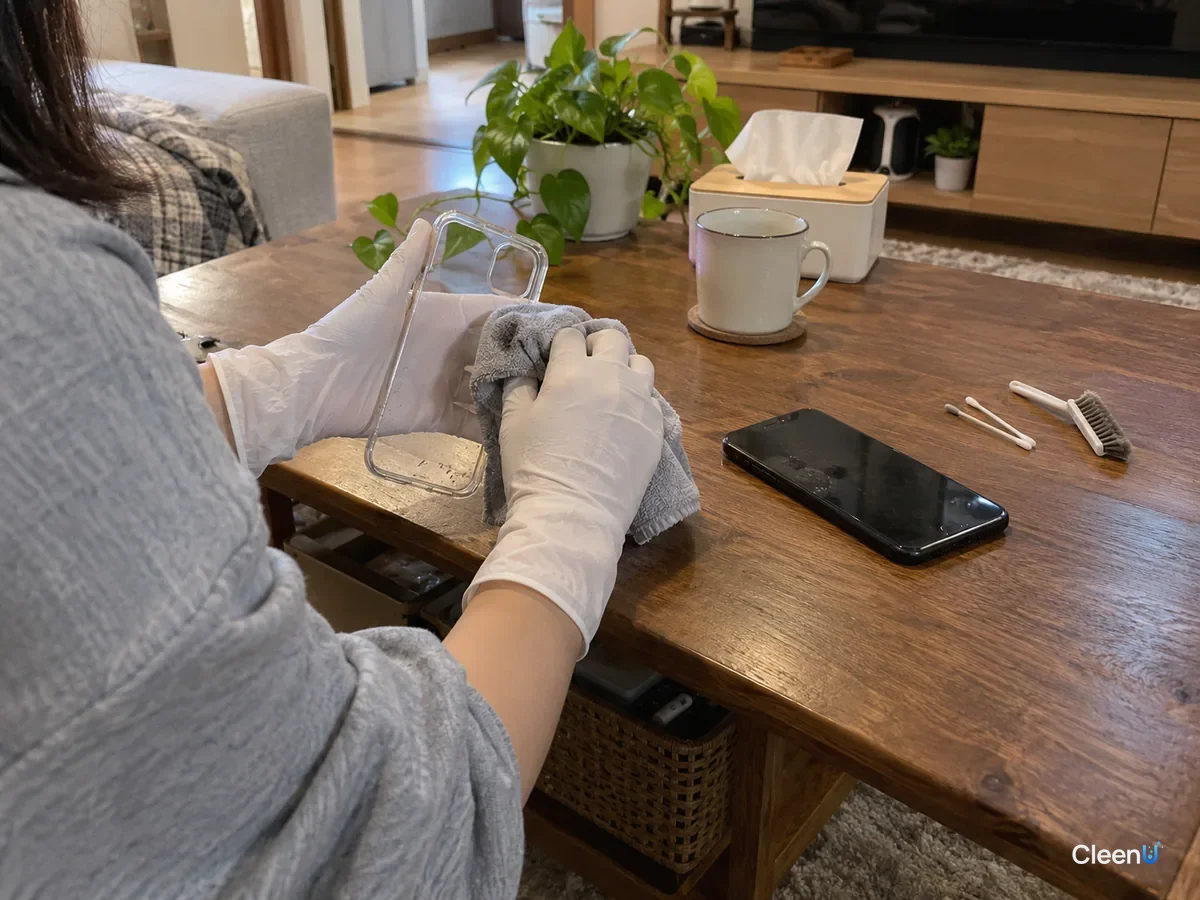
What to clean a phone screen with
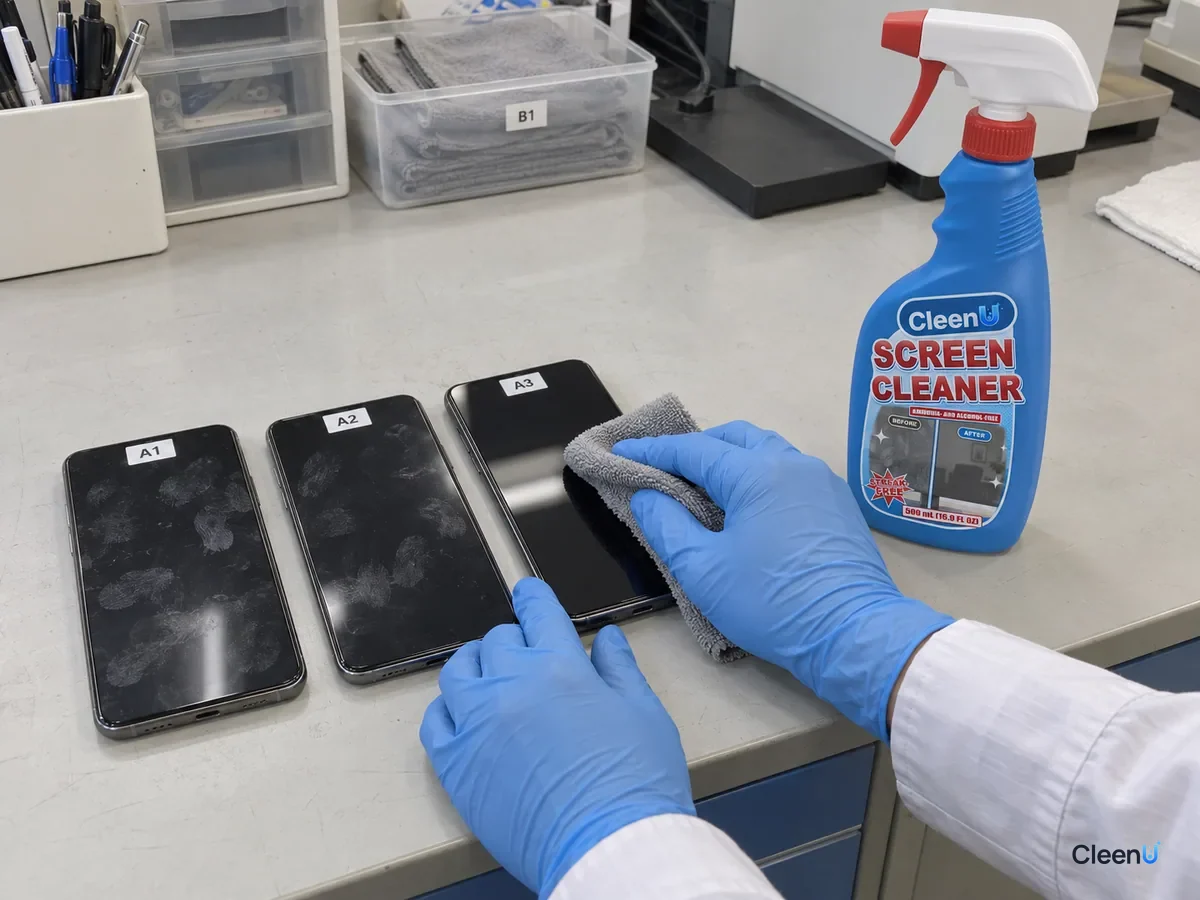
Take CleenU Screen Cleaner as an example. It's a neutral, ammonia-free, alcohol-free screen spray, pH 6.5 to 7.5 as supplied, made with mild nonionic surfactants and low-residue ingredients, with no ammonia, ethanol, or abrasives. The surfactants emulsify skin oil from fingerprints so the cloth can lift it. Neutral pH and no ammonia or alcohol are gentler on oleophobic coatings, and the low-residue ingredients help it dry without streaks. You spray it on a cloth, and it dries within seconds.
It's made for TVs, monitors, laptops, tablets, and phones. It isn't for spraying directly on screens, for screens that are on or hot, or for use with paper towels or rough cloths. Phone cases come in many materials, and it isn't designed for them; washing the case in warm water with a little mild detergent, as below, works better.
Six steps to clean your phone
Screen, body, and case in six steps
Power off, unplug, and remove the case
Turning the phone off avoids accidental taps and makes fingerprints easier to see on a black screen. Unplug the charger and headphones and take the case off to clean separately.
Dust it with a dry cloth
Wipe the screen and body lightly with a dry microfiber cloth to lift dust and grit so nothing scratches the glass while you clean.
Spray the cloth and wipe the screen
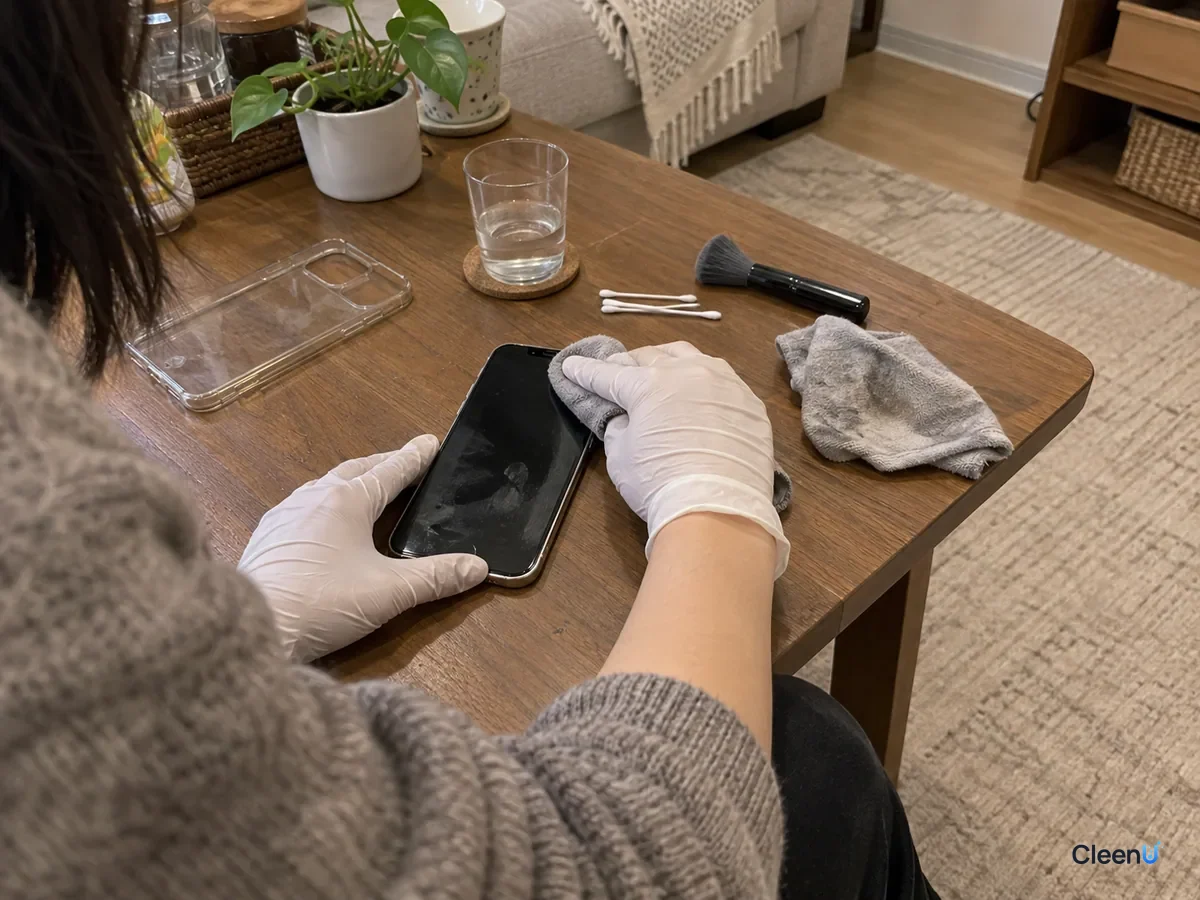
Mist screen cleaner once onto a second microfiber cloth so it's slightly damp. Starting at one edge, wipe gently in one direction, going over oily spots a few more times without pressing hard.
Caution:Never spray the phone directly; the earpiece, speakers, mic holes, and charging port are all close to the screen.
Wipe the back and sides
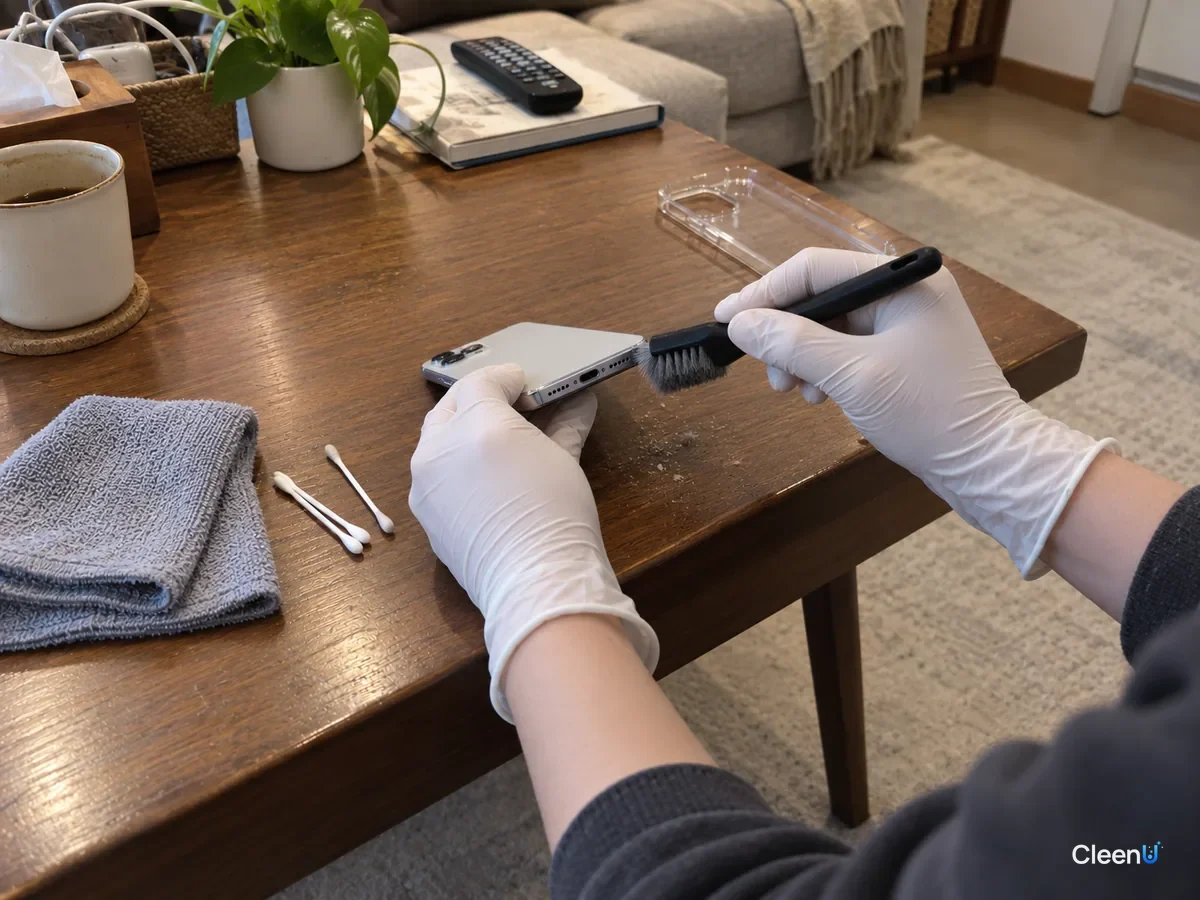
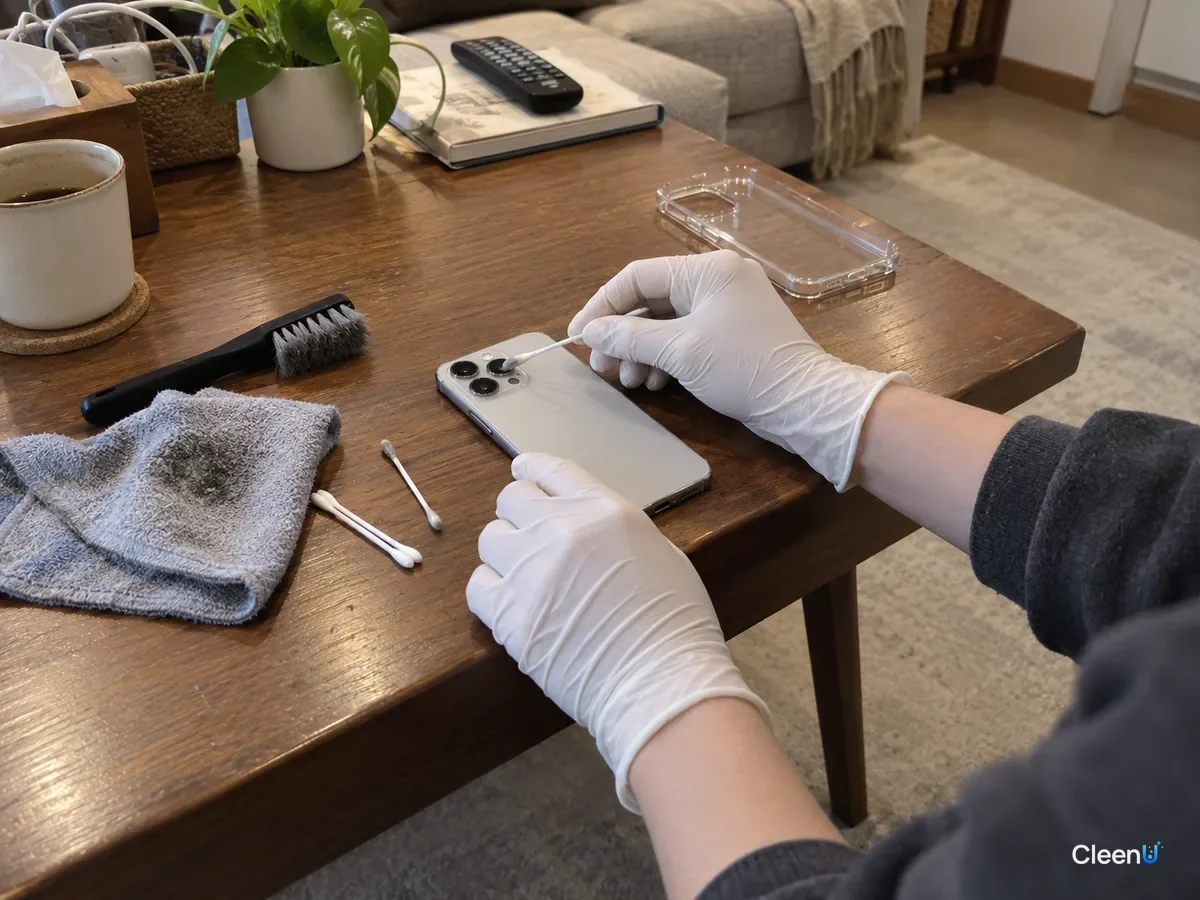
Use the same damp cloth on the back and frame. Use a cotton swab with just a touch of cleaner around buttons and the camera bump, never wet enough to squeeze out liquid.
Buff dry and brush the openings
Buff the screen and body with a dry cloth to pick up any trace of liquid. Gently brush dust out of the charging port and speaker grilles with a dry soft brush. Don't poke them with toothpicks or pins.
Wash the case and let it dry completely
Clean the case by material (see below), then let it dry thoroughly in a well-ventilated spot. Make sure there's no water left before you put it back on, or moisture gets trapped between the case and the phone.
Different smudges, slightly different approach
Not every mark on a phone screen is the same, and knowing which one you're looking at saves a lot of extra wiping.
Fingerprints and cheek marks are mostly skin oil. They're thin and even, and a lightly dampened cloth wiped in one direction usually lifts them in a pass or two. If the cloth starts gliding and the smear just moves around, it's too wet. Flip to a dry side and finish.
Sunscreen and foundation leave more than oil. They carry film-formers and fine pigment particles, which is why the top of the screen often turns white or beige after a phone call. Brush the powder off with a dry cloth first, then wipe with a damp one. Otherwise the particles get dragged across the glass and leave hazy streaks.
Food grease from scrolling while you eat is heavier than skin oil and may carry sugar and salt from sauces. Hold the damp cloth on the spot for a second or two so the surfactant can wet and emulsify the oil, then wipe it away. That works better than rubbing hard with a dry cloth.
Dried sweat leaves tiny white salt specks. They dissolve in water, so a damp cloth clears them without extra cleaner.
Give the camera lens its own pass. A fingerprint on that small window is what makes photos look soft or flared. Wrap a clean corner of the cloth over a fingertip and wipe in small circles instead of pressing with a cotton swab.
How to tell it's actually clean
With the phone off, tilt the black screen toward a window or lamp. No rainbow sheen, no wipe lines, and a finger that glides without dragging means you're done. If the screen still feels draggy after a few passes and picks up prints the moment you touch it, the issue probably isn't dirt. The oleophobic coating or screen protector is worn, and more cleaner or more pressure won't fix that. A new protector is the practical answer.
How to clean a phone case
Silicone and clear TPU cases: put the case in warm water with a drop or two of mild detergent such as dish soap, scrub inside, outside, and the corners with a soft toothbrush, rinse, shake off the water, and air-dry.
Hard plastic (polycarbonate) cases: same method, warm water and a little mild detergent, then rinse and dry.
Leather cases: don't soak them. Wipe with a well-wrung damp soft cloth, and use a leather cleaner and conditioner per its directions if needed.
Battery cases or cases with card slots and electronics: don't soak them. Wipe the outside only, per the manual.
Yellowed clear cases: a clear TPU case that's turned yellow has usually aged from UV light, heat, and skin oil, which is a change in the material itself. Cleaning removes surface grime so it looks a bit better, but it won't make it crystal clear again. If it's noticeably yellow, replacing it is easier.
Does a phone need disinfecting?
Phones are touched constantly and do carry bacteria. Wiping off oil and grime with a cleaner removes most of what's on the surface; a screen cleaner is a cleaning product, not a disinfectant.
If you do need to disinfect, for example when someone at home is sick, check the phone maker's guidance first. Some manufacturers allow gently wiping the outside with an isopropyl alcohol wipe or disinfecting wipe at a specified strength, as long as no liquid gets into openings, no bleach is used, and the phone isn't submerged. Follow those instructions, and know that high-strength alcohol may wear the oleophobic coating faster.
For more on alcohol and screens, see Can you use alcohol to clean screens.
What not to clean your phone with
Paper towels and tissues: coarse fibers shed lint, can leave fine scratches over time, and wear down the oleophobic coating faster.
Your shirt or a towel: they carry detergent, softener, and dust, so the screen gets smearier.
Ammonia-based glass cleaner or high-strength alcohol: can damage the oleophobic coating.
Toothpaste or baking soda: they're abrasive and wear the coating away.
Spraying it directly or rinsing under the tap: even a water-resistant phone loses resistance over time and after drops, and water resistance doesn't mean it's safe to get cleaner inside.
For other screens, see How to clean screens safely, and for laptops, see How to clean a laptop screen.
How often to clean
Screen: give it a quick dry microfiber wipe whenever it looks oily, and clean it with screen cleaner once a week.
Case: take it off and wash it every week or two, and any time it's been on a bathroom or kitchen counter or someone at home is sick.
Openings: brush dust out of the charging port and speaker grilles once a month.
Stop if you see this
If liquid gets into the charging port, speakers, or body, power off right away, don't charge it, and let it dry thoroughly in a well-ventilated spot. If it won't turn on, won't charge properly, or the sound is off, contact the manufacturer. Don't use a hot hair dryer or put it in rice. Don't use liquid on a cracked screen, where it can seep in.
Cleaning your phone and case: common questions
Can I clean my phone screen with rubbing alcohol?
Check your phone maker's guidance first. High-strength alcohol can wear the oleophobic coating faster; a neutral, ammonia- and alcohol-free screen cleaner on a cloth is the safer everyday choice.
Should my phone be off when I clean it?
Yes. It avoids accidental taps, makes fingerprints easier to see, and lowers the risk of liquid getting into openings.
Can I get a yellowed clear case clear again?
You can wash off surface grime, but yellowing in clear TPU cases is usually the material aging, and it won't go back to fully clear.
How long should a case dry before I put it back on?
Until it's completely dry with no water in any crevices, usually at least 30 minutes, longer for cases with gaps.
How do I clean the charging port?
With the phone off, brush the dust out gently with a dry soft brush. No toothpicks, pins, or liquid.
My phone is water-resistant. Can I just rinse it?
We don't recommend it. Water resistance decreases over time, and it doesn't mean the phone can handle cleaning products.
For a neutral screen spray with no ammonia or alcohol that lifts fingerprints from phone screens when used on a cloth and dries in seconds, take a look at our Screen Cleaner.
The oily film on a phone screen is skin oil and skincare, and the screen's oleophobic coating doesn't like alcohol, ammonia, or abrasives. Power off, take off the case, dust with a dry cloth, then wipe the screen and body with a neutral, ammonia- and alcohol-free screen cleaner misted onto a microfiber cloth, brush the openings, and buff dry. Wash the case by material in warm water with a little mild detergent and let it dry completely. Skip spraying the phone directly, rinsing it, and wiping it on your shirt, and it stays clean without wearing the screen.