
Troubleshooting
Robot Vacuum Says Detergent Is Low Right After You Refilled It
Direct answer
Usually something is confusing the level sensor: the solution is too thick or foamy, or residue and crystals coat the compartment walls or sensor window. A compartment that isn't pushed in or a loose lid can do it too. Empty and clean the compartment, wipe the sensor area, and refill with a liquid your manual allows.
What you see
You just filled the dock's auto-dosing compartment, and the app still says "Detergent low, please refill." Or it worked fine at first and the alert got more frequent over a few weeks. Sometimes it comes and goes, and pulling the compartment out and pushing it back clears it for a while. Meanwhile the dock may stop dosing and the robot mops with plain water.
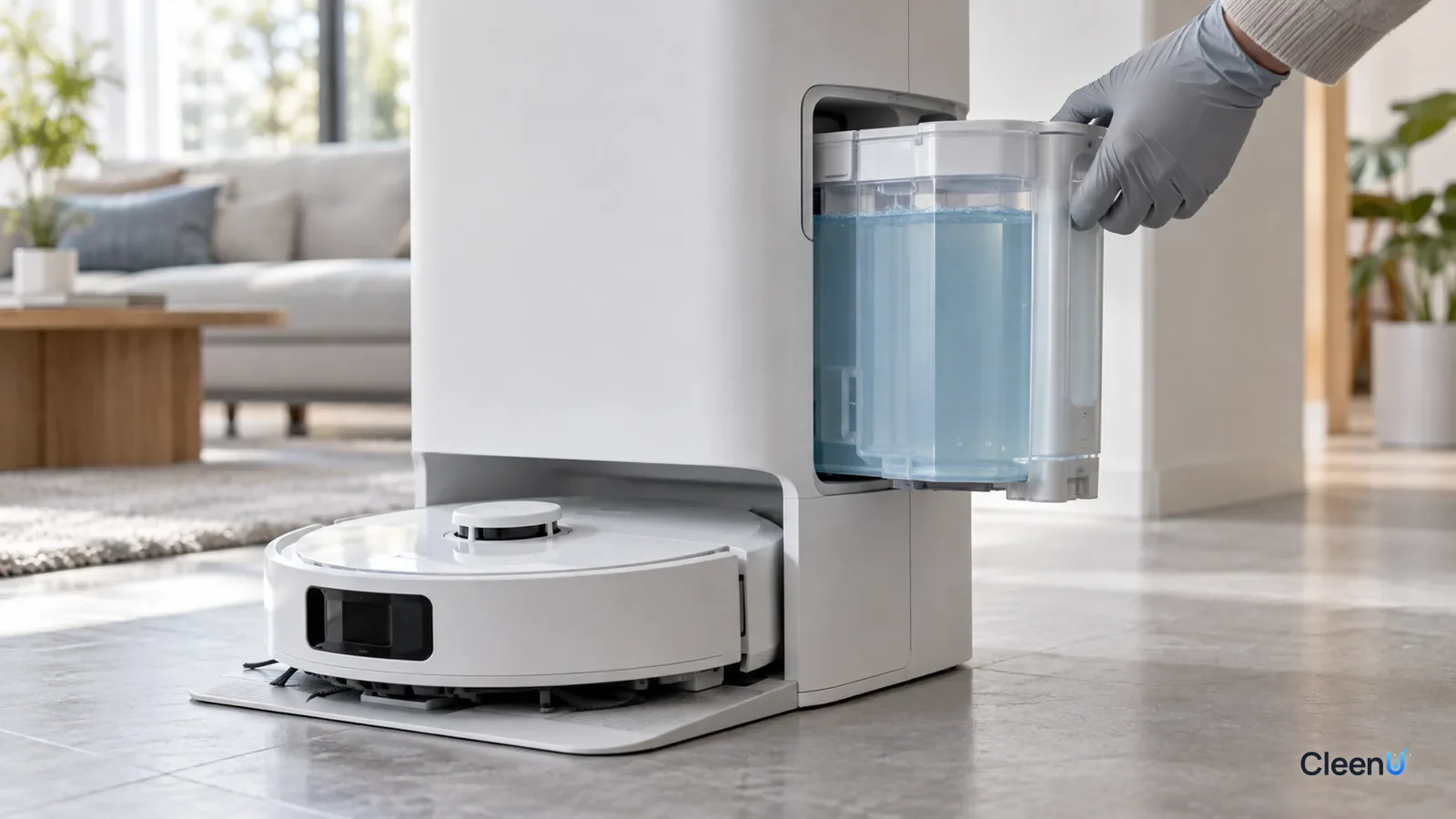
A dock with auto-dosing pulls a small, metered amount of solution from a separate compartment and mixes it into the clean water before washing the pads or mopping. To remind you to top it up, the compartment has level detection: when the liquid falls below a certain point, you get a "low" alert. If it alerts when it's full, the detection is misreading.
How does the dock know how much is in the compartment?
It varies by brand and model. The common methods are:
Electrodes. Two metal contacts sit inside or at the bottom of the compartment. When liquid covers them it conducts, and the dock knows there's detergent. If residue or crystals coat the contacts, conduction drops and you get a false "low."
Optical. An infrared sensor looks through a clear wall at a set height. Liquid bends and reflects light differently than air. Residue, crystals or foam on the wall disrupt the light path.
Capacitive. A sensing pad on the outside of the compartment reads how the liquid affects capacitance, so no hole in the wall is needed. The liquid's makeup and strength, and anything built up on the wall, all shift the reading.
Float. A small float rises and falls with the liquid and trips a switch. Thick liquid or crystals can hold the float down.
Many docks also infer the level from the dosing pump. If the pump can't draw liquid and pulls air instead, the dock reads that as empty too, so a blocked outlet can trigger "detergent low" all by itself.
What makes it misread?
Liquid that's too thick. Thick liquid clings to the walls and sensor window and flows slowly, holds the float down, and resists the pump, so the dock thinks the compartment is empty. This is common after adding dish soap, a thick general cleaner or anything the manual doesn't allow.
Foam. Pouring fast or sloshing creates foam, which makes optical and capacitive readings unstable and lets the pump suck air.
Crystal buildup. Liquid sitting in the compartment is exposed to air at the opening, the walls and the outlet. As water evaporates it leaves a ring of crystals that can cover contacts and optical windows, jam the float and block the outlet.
Mixed liquids. Adding a new solution before the old one is rinsed out can combine two formulas that turn cloudy, thicken or drop out sediment.
A compartment that isn't seated. If it's not pushed all the way in, the latch isn't clicked or the lid is crooked, the dock may not detect it or the outlet may not line up.
Work through these steps
Detergent-low alert right after refilling? Check these in order
-
Step 1 Is the compartment pushed all the way in with the latch clicked, and is the lid sitting flat and closed?
- Yes
- next
- No
- Pull it out, wipe the outside and the connector dry, push it in until it clicks, close the lid and check the alert again.
-
Step 2 Is the liquid in the compartment one your manual allows? Have you recently added dish soap or another cleaner, or mixed two liquids?
- Yes
- next
- No
- Empty the compartment, rinse it with warm water and let it dry, then add only a solution your manual allows. Clean it every time you switch products.
-
Step 3 After refilling, is there a layer of foam, or is the liquid thicker or cloudier than usual?
- Yes
- Let it sit a few minutes for the foam to settle, and pour slowly down the wall next time. If the liquid is cloudy or thick, stop using that bottle, clean the compartment and use a fresh one.
- No
- Go to the next check
-
Step 4 With the compartment out, are there white crystals or slime at the opening, bottom, outlet or inside walls? Are the contacts or sensor window dirty?
- Yes
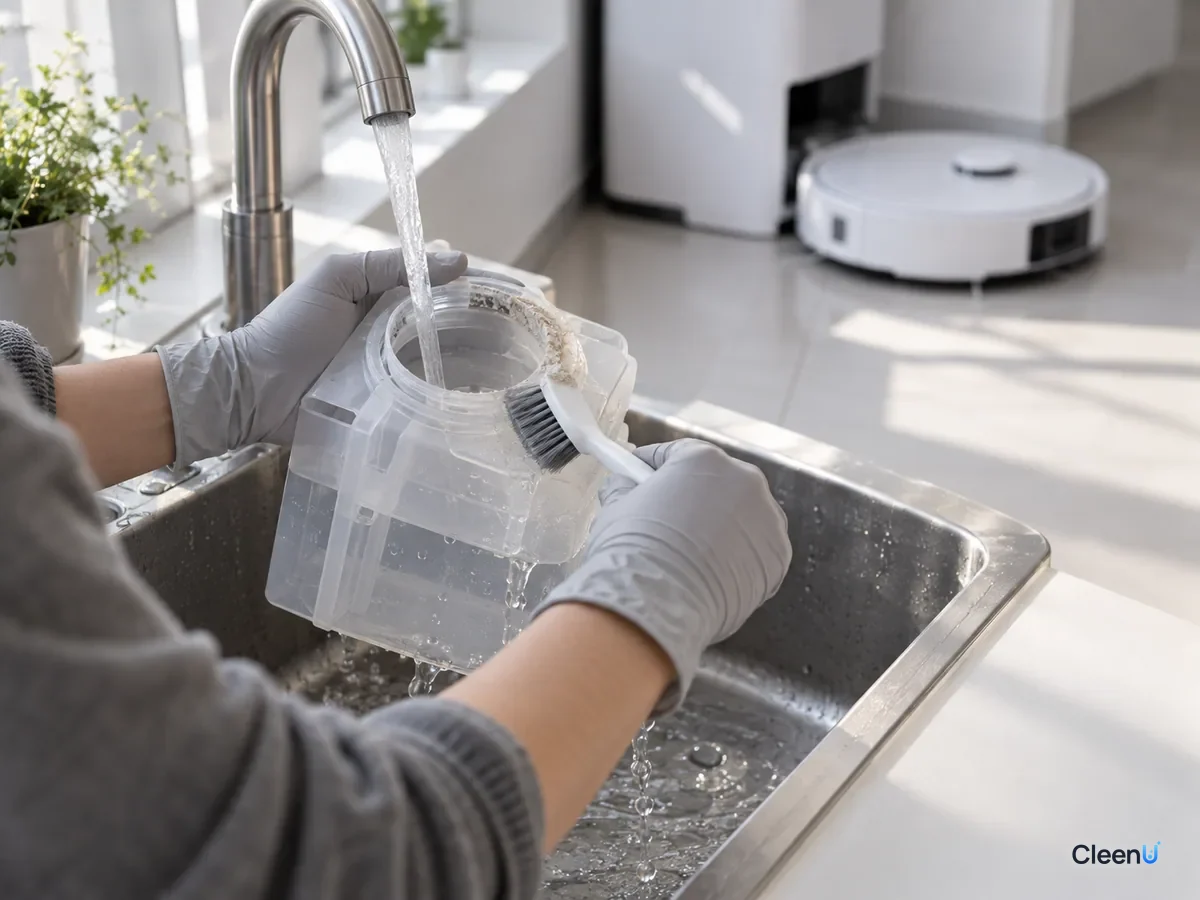
- Empty it, soak it in warm water to loosen the crystals, wipe the contacts and sensor window with a soft cloth, and let it dry before reinstalling.
- No
- Go to the next check
-
Step 5 Are the app and dock firmware up to date, and does the alert clear after restarting the dock?
- Yes
- It was probably a one-off misread. Keep an eye on it.
- No
- If it keeps misreading after cleaning, the sensor or dosing pump may be faulty. Contact the manufacturer; don't open the dock yourself.
What kind of liquid belongs in an auto-dosing compartment?
The compartment is even pickier than the clean tank. The tank holds diluted working solution; the compartment holds concentrate that sits there for weeks and passes through even finer metering lines.
Check the manual first. Some models allow only the maker's solution, some allow third-party solutions, and some rule out certain types of liquid. If you're under a warranty that limits you to the maker's solution, follow it.
Free-flowing, with moderate viscosity. Thick liquids cling, jam floats and resist the pump.
Low foam, with a defoamer. It shouldn't foam when you pour or it sloshes.
No particles and no wax. Particles settle and block the outlet; wax films the walls and lines.
Stable in storage. Concentrate sits in the compartment for a long time, so the formula has to stay even without separating or dropping out.
Never add water to the compartment. It's designed for concentrate, so watering it down throws off the dock's mixing ratio. Some formulas even thicken when only partly diluted, and their preservation weakens.
CleenU Robot Vacuum Cleaning Solution is a neutral, low-foam concentrate at pH 6.5 to 7.5 with low-foam nonionic surfactants and a defoamer, no wax, no chlorine and no particles. Added by hand to the clean water tank, it dilutes at about 1:50 to 1:100; 10 to 20 mL per fill is usually enough. Whether it can go in your auto-dosing compartment, and how, depends on your model's manual. It works in most robot mops from Roborock, iRobot (Roomba Combo and Braava), Ecovacs Deebot, Dreame and Narwal, and in floor washers such as Tineco. Add it to the clean water tank or the dock's designated detergent compartment as your manual directs. CleenU isn't affiliated with these brands; the names only indicate compatibility.
Why do crystals always form at the opening and outlet?
Crystals grow where liquid meets air. The compartment's opening, the inside of the lid and the outlet get wet and dry over and over. A splash at the opening when you pour, a drop left at the outlet after each dose: as the water evaporates, surfactants, fragrance, preservatives and other non-volatile ingredients stay behind.
Layer by layer that becomes white or clear crystals and film. At very high concentration, surfactants can also form gel-like structures thicker than the concentrate itself, which can seal the outlet.
So pour slowly down the wall and avoid splashing the opening, wipe the opening with a clean soft cloth after filling, and empty and rinse the compartment whenever you switch products and every so often in between. For step-by-step cleaning, see how to clean the auto-dosing tank on a robot vacuum base station. If the dock won't dispense at all, see robot vacuum auto-dosing not working.
Why do false alerts pick up in winter and summer?
Viscosity changes with temperature: the colder a liquid, the slower its molecules move and the thicker it gets. A concentrate that flows easily at 77°F can thicken noticeably in an unheated garage or mudroom in winter when it drops below the 50s. The dosing pump and metering lines are matched to room-temperature flow, so thicker liquid slows the draw and the dock may decide it can't pull detergent and report it low. Float sensors also struggle to rise in thicker liquid.
So if alerts start in winter, try moving the dock somewhere warmer indoors, or wait for the room to warm up. Often the alert clears on its own.
Summer brings a different problem. Heat speeds evaporation at the opening and outlet, so crystals form faster, and some nonionic surfactants can pass their cloud point and turn temporarily cloudy, which makes optical readings unstable. Wipe the opening more often and keep the dock out of direct sun and away from heat sources.
Different formulas also have different viscosities at the same temperature. An auto-dosing compartment needs a liquid that flows well across the whole range of temperatures a home sees, which is one reason manuals limit which liquids you can use.
Can I keep mopping while it's not fixed?
Yes. Turn off auto-dosing (most apps let you) and add solution to the clean water tank by hand instead: fill the tank at least halfway with water, pour in a measured capful at the label ratio, then top up. You keep mopping while you wait on cleaning or service, then switch auto-dosing back on.
This article is part of the Robot Vacuum Cleaning Solution & Maintenance Guide, which covers the full maintenance schedule and links to every troubleshooting guide.
Turn off auto-dosing and contact support if you see these
The compartment or dock base leaks; the dosing pump makes noise or runs dry; alerts keep coming after cleaning and restarting; or the dock reports a sensor or pump fault. Turn off auto-dosing, add solution by hand, don't open the dock, and contact the manufacturer for service.

Common questions about detergent-low alerts on robot vacuum docks
It says detergent is low right after I filled it. Is the solution the problem?
Usually it's liquid that's too thick or foamy, crystals confusing the sensor, or a compartment that isn't seated. Switching back to an approved liquid and cleaning the compartment normally fixes it.
Can I add water to the detergent compartment?
No. It's designed for concentrate. Water throws off the ratio, some formulas thicken when partly diluted, and preservation weakens.
How often should I clean the detergent compartment?
Always before switching to a different solution, and otherwise every month or two. Clean it sooner if you see crystals at the opening.
Can I put dish soap in the compartment?
No. It's thick and high-foam, so it clings to the walls, blocks the outlet and fills the dirty tank with foam.
Auto-dosing is broken. Can I still use cleaning solution?
Yes. Turn off auto-dosing and add solution to the clean water tank by hand at the label ratio, usually 10 to 20 mL per fill.
Can I switch brands in the same compartment?
Yes, but never mix them. Empty, rinse and dry the compartment first so the two formulas can't combine and thicken or separate.
Why isn't my robot using any of the cleaning solution?
Check whether the level has really stayed the same, then look for crystals blocking the compartment outlet or line, and confirm auto-dosing is on in the app. A thick concentrate or mixed products often gum up the outlet. If it still won't drop after cleaning, contact the robot's support team about the pump.
Can I put a third-party solution in the auto-dispenser?
In many docks, yes, as long as the solution is low-foam, neutral, and thin enough for the pump. CleenU's solution goes in the clean water tank or the designated detergent compartment, as the manual directs. Some docks only accept the brand's own solution, so check your manual first.
For a low-foam robot mop solution with no wax or particles that's less likely to crystallize or cling to the compartment walls, try Robot Vacuum Cleaning Solution.
When a robot vacuum says detergent is low right after you refilled it, something is usually confusing the level detection: thick or foamy liquid, crystals on the walls, contacts or sensor window, a blocked outlet that makes the pump draw air, or a compartment that isn't seated. Check the fit, the type of liquid, foam and crystals in that order. Empty and rinse the compartment, wipe the sensor area and refill with a liquid your manual allows, without adding water or mixing products. If it keeps misreading, switch to manual dosing and contact support.