
Q&A
Does Third-Party Cleaning Solution Void a Robot Vacuum Warranty?
Direct answer
Using a third-party solution doesn't automatically void the warranty: most terms exclude damage caused by misuse, not every non-brand liquid. Check your robot's warranty terms, use a low-foam solution labeled for robot mops, add it where the manual says at the label ratio, and keep your receipt. That makes it much easier to show what happened if something goes wrong.
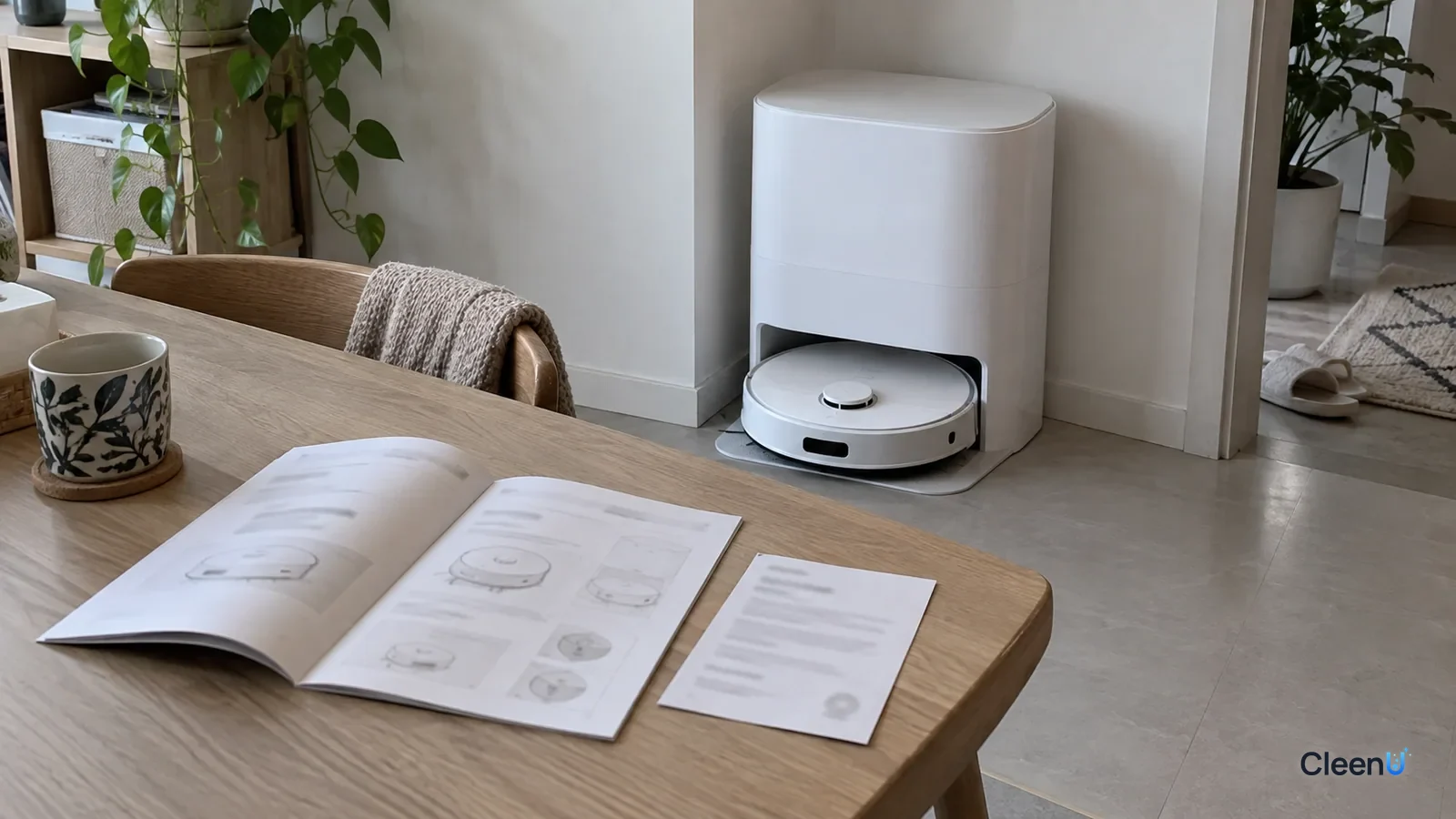
Using a third-party solution: safer practices
Yes
- Read your robot's manual and warranty terms first
- Pick a low-foam product labeled for robot mops with a clear dilution ratio, and use it where and how the manual says
- Keep the order screenshot, invoice and bottle label
- Clean the clean tank and dosing compartment before switching solutions
No
- Mixing solutions from different brands
- Putting solution in the dirty tank
It depends
- Whether the auto-dosing compartment accepts third-party liquid: the manual decides
- If the manual limits you to the maker's solution, or the robot is under warranty: follow the manual and warranty terms first
How to read common manual wording
"Use only water or our recommended cleaning solution": the maker prefers its own solution. During the warranty, following that is safest; after it ends, choose by compatibility.
"Do not add any detergent": usually a foam, water-path or sensor concern. Use plain water only in those models.
"A neutral, low-foam solution made for robot mops may be used": third-party products are allowed. Choose a low-foam solution labeled for robot mops and dose at the label ratio.
"Damage caused by non-specified liquids is not covered": this doesn't void everything. Damage caused by the liquid isn't covered, while unrelated faults usually still are.
If the wording is unclear, ask the brand's support and keep their reply.
The questions people ask first
Does using a third-party solution void my warranty?
Usually not automatically, but the exact wording decides. Some manuals just say "use water or approved cleaning solutions," others exclude "damage caused by non-OEM liquids," and very few say any use voids everything. Pull out your manual and warranty card and read the exact terms.
How does the manufacturer decide whether a fault was caused by the solution?
Usually by the type and location of the fault, such as heavy foam residue, crystals, clogs or swollen seals in the tank, lines or pump. Mechanical, electrical and battery faults generally have nothing to do with cleaning solution.
My manual says to use only the maker's solution. Can I use another?
While you're under warranty, stick with the maker's solution to avoid a dispute at repair time. After the warranty ends, choose based on compatibility.
What should I look for to lower the risk?
A label that says it's for robot mops, low foam and a clear dilution ratio, with no wax, particles or chlorine. Then check it against your manual's requirements.
Should I tell support which solution I used?
Yes, be upfront. Give the product name, how you used it and your receipt. It helps them find the real cause and avoids a wrong call.
Once the warranty's over, does it matter what I use?
Yes, it still matters. The wrong liquid still causes foam errors, clogs and residue, and now you pay for repairs, so compatibility matters even more.
My robot isn't using any cleaning solution. Is it broken?
Not necessarily, so check before you file a claim. When an auto-dose compartment stops dispensing or misreads its level, the usual causes are a thick liquid, crystallization or mixed liquids clogging the line, or dosing turned off in settings. Clean the compartment and line, use one product, and if it still fails, photograph it and contact support.
Why do robot vacuum brands say to use only their own solution?
Mainly because the maker has validated its own solution in its machines, and it keeps support decisions simple. It doesn't mean every other solution will damage the robot. During the warranty, follow the manual if it specifies the maker's solution; afterward, choose a neutral, low-foam solution labeled for robot mops.
Many owners find the maker's cleaning solution adds up to a real yearly expense, and there are plenty of "universal" robot mop solutions online. The obvious worry: if I use a third-party one and the robot breaks, am I still covered?
There's no single answer, but there's a clear way to think it through.
First, read your robot's warranty terms
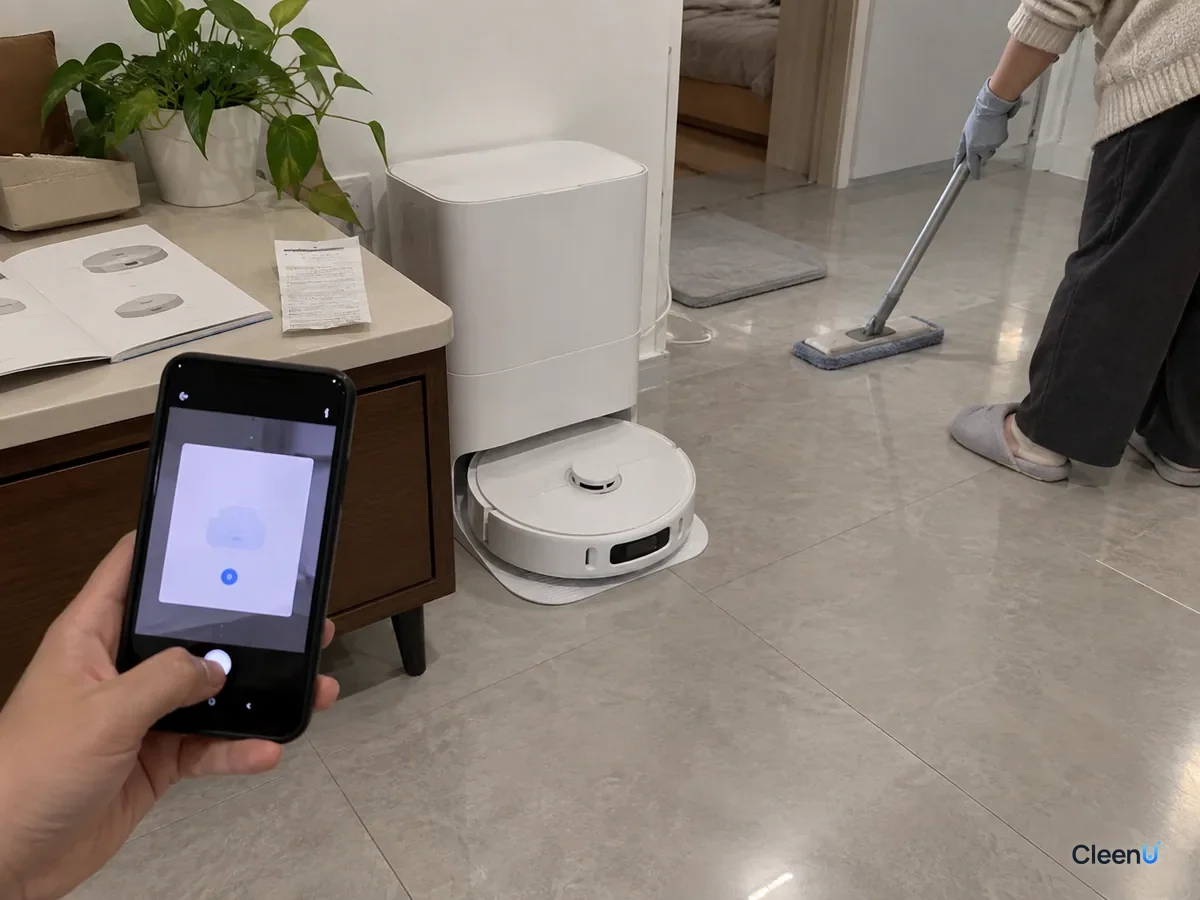
A warranty is an agreement between the manufacturer and you, and the wording differs by brand, model and region. Pull out the manual and warranty card and look for:
What goes in the clean tank and dosing compartment. Does it say "water only," "water or approved cleaning solution," or "a neutral, low-foam solution made for robot mops"?
Exclusions. Warranties usually list damage from accidents, misuse, not following the manual, or "use of non-specified consumables" as not covered.
Auto-dosing notes. Some models are stricter about what goes in the dosing compartment, limiting it to the maker's solution or specifying viscosity or ingredients.
Water temperature and type. Some manuals also set a maximum water temperature or say whether distilled water is OK.
After that you'll know which camp your robot is in: third-party solutions explicitly allowed, no restriction, or maker's solution only.
What's excluded is usually damage from misuse
Most warranties follow the same logic: the manufacturer covers defects in the product, not damage from misuse. With cleaning solution, common misuse includes:
High-foam liquids like dish soap or regular floor cleaner, sending foam into the dirty tank or airflow path and causing false alerts or motor damage.
Corrosive or solvent liquids like bleach, vinegar, rubbing alcohol or essential oils, cracking tanks, swelling seals or corroding metal parts.
Thick, gritty or waxy liquids that clog outlet holes, pumps or dosing compartments.
Undiluted concentrate or overdosing that leaves crystals and clogs.
Solution added to the dirty tank or anywhere else it doesn't belong.
On the other hand, if you use a low-foam solution labeled for robot mops, add it where the manual says at the right ratio, and the fault has nothing to do with liquid, such as a dead motor, a battery that won't charge or navigation problems, using a third-party solution usually isn't grounds to deny coverage.
That's the general logic. The final word belongs to the manufacturer's terms and service inspection.
Consumer protection law also plays a role
In the U.S., the Magnuson-Moss Warranty Act generally prevents a manufacturer from making warranty coverage conditional on using its own branded consumables, unless it provides them free or has an FTC waiver. The manufacturer can still refuse to cover damage that a third-party product actually caused. The FTC has also warned companies against "warranty void if" claims that misstate this. Rules vary by country and state, so if there's a dispute, your state attorney general's consumer protection office or the FTC is a good place to start.
Which faults could involve the solution, and which almost never do?
Knowing the difference helps you diagnose faster and talk to support with confidence.
Faults that could involve the solution cluster where liquid flows:
Frequent false "dirty tank full" alerts or foam spilling over: usually high-foam liquid or overdosing.
Low water flow, dry pads or clogged outlet holes: usually thick liquid, crystal buildup or hard-water scale.
"Detergent low" alerts or no dosing from the auto-dosing compartment: usually viscosity, crystals or mixed liquids.
A hazy or cracked tank, or warped, leaking seals: usually solvents, essential oils, strong acids or alkalis, or hot water.
Tacky, slippery or spotty floors: usually dose, formula residue or water hardness, and generally not a machine fault at all.
Faults that almost never involve the solution:
The robot won't power on or charge, or battery life drops sharply.
Navigation, mapping or obstacle-avoidance problems, or lidar or camera errors.
Drive wheels, main brush or side brush motors that stop or grind (unless liquid got into the motor).
App connection problems or failed firmware updates.
If your fault is in the second group, you can tell support plainly that it's unrelated, even if you've used a third-party solution. If it's in the first group, clean the tank, lines and dosing compartment as your manual describes, run once with plain water to see whether the fault clears, then contact support.
How to keep the risk low with a third-party solution
Choose one made for robot mops. The label should say it's for robot mops or robot vacuums, low foam, with a clear dilution ratio.
Check what's in it. Low foam, neutral or near-neutral pH, and no wax, particles or chlorine determine how kind it is to tanks, lines and floors.
Add it where the manual says. Use the clean water tank or the dock's designated compartment, never the dirty tank. Whether a third-party liquid can go in the auto-dosing compartment depends on your manual.
Dose at the label ratio, erring low. CleenU Robot Vacuum Cleaning Solution, for example, is a neutral, low-foam concentrate at pH 6.5 to 7.5 with low-foam nonionic surfactants and a defoamer, no wax, no chlorine and no particles. It dilutes at about 1:50 to 1:100; 10 to 20 mL per fill is usually enough.
Keep your receipt and packaging. Order confirmations, receipts and the bottle label show support exactly what you used and how.
Clean before switching. Going from the maker's solution to a third-party one, or between brands, rinse the clean tank and dosing compartment first and never mix. See can you mix different brands of robot mop cleaning solution.
CleenU Robot Vacuum Cleaning Solution works in most robot mops from Roborock, iRobot (Roomba Combo and Braava), Ecovacs Deebot, Dreame and Narwal, and in floor washers such as Tineco, added to the clean water tank or the dock's designated compartment as the manual directs. If your manual limits you to the maker's solution or you're still under warranty, follow the manual and warranty terms first. CleenU isn't affiliated with these brands; the names only indicate compatibility.
What's the safest approach during the warranty?
If the manual limits you to the maker's solution: use it until the warranty ends, then switch.
If the manual allows third-party solutions or says nothing: use a low-foam solution labeled for robot mops at the label ratio, and keep records.
If you're unsure: ask the brand's support whether third-party robot mop solutions are allowed and on what conditions, and save the reply.
In every case: keep dish soap, disinfectant, vinegar and essential oils out of the tank.
For a fuller comparison, see brand-name vs universal robot vacuum cleaning solution.
If something breaks, how to talk to support
Stop using it and preserve the evidence. Don't rush to pour everything out. Photograph the fault, the error message, and the tank and dosing compartment.
Be upfront about how you used it: which solution, where you added it, the dilution and for how long, plus your receipt.
Explain how the fault relates to the liquid. A motor noise or navigation failure has nothing to do with cleaning solution. For water-flow or foam errors, say whether you already cleaned things as the manual describes.
Keep records of support replies and inspection results.
This article is part of the Robot Vacuum Cleaning Solution & Maintenance Guide, which covers the full maintenance schedule and links to every troubleshooting guide.
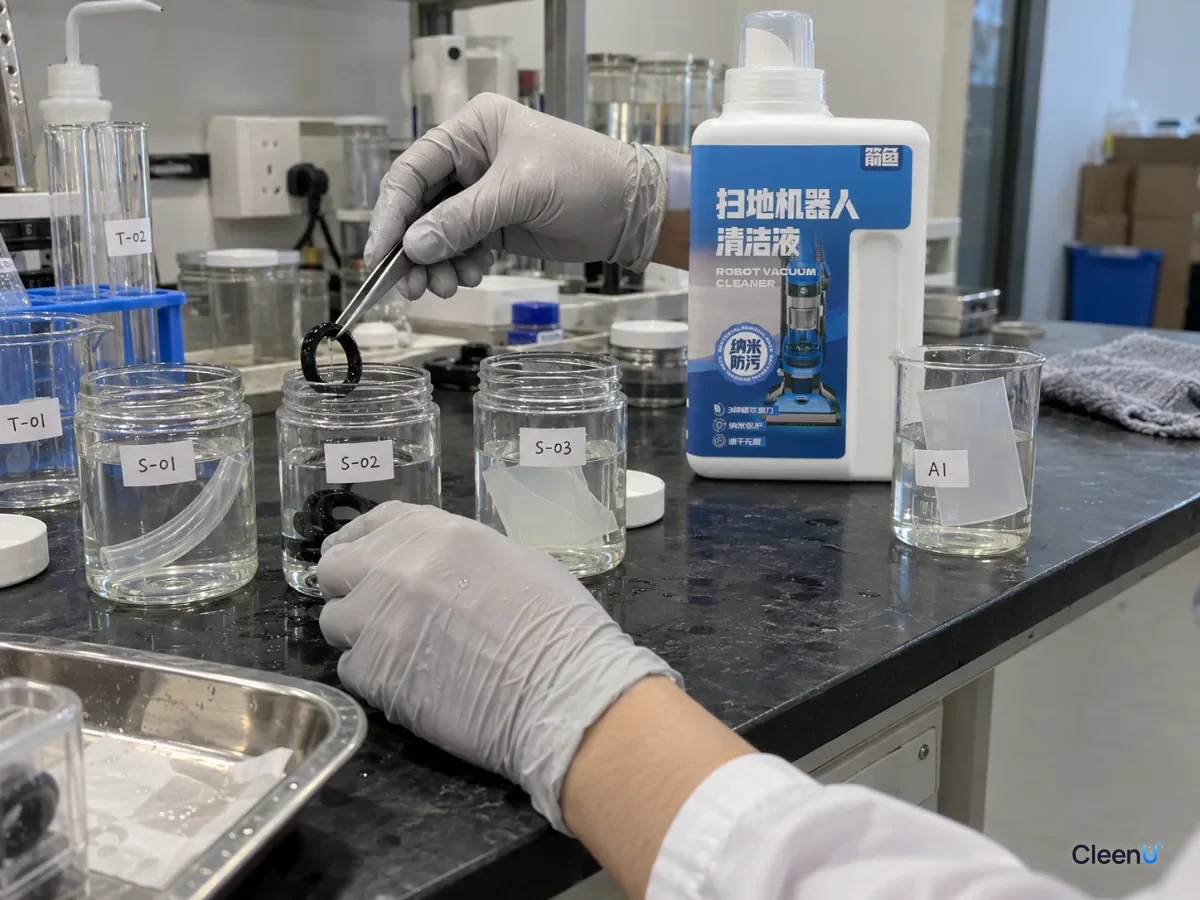
Once your warranty's up, if you want a universal solution labeled for robot mops that's low-foam, wax-free and clear on dilution, see Robot Vacuum Cleaning Solution.
Whether a third-party cleaning solution affects your robot vacuum warranty comes down to your warranty terms. Most exclude damage from misuse, such as high-foam, corrosive, thick or gritty liquids, the wrong fill location or overdosing, and faults unrelated to the liquid are usually unaffected. If your manual limits you to the maker's solution, use it during the warranty. If it allows others or says nothing, choose a low-foam solution labeled for robot mops, add it where the manual says at the label ratio, keep your receipt, and be upfront with support if something goes wrong.